







For Account Managers

Answer the 4pm client ping in under a minute.

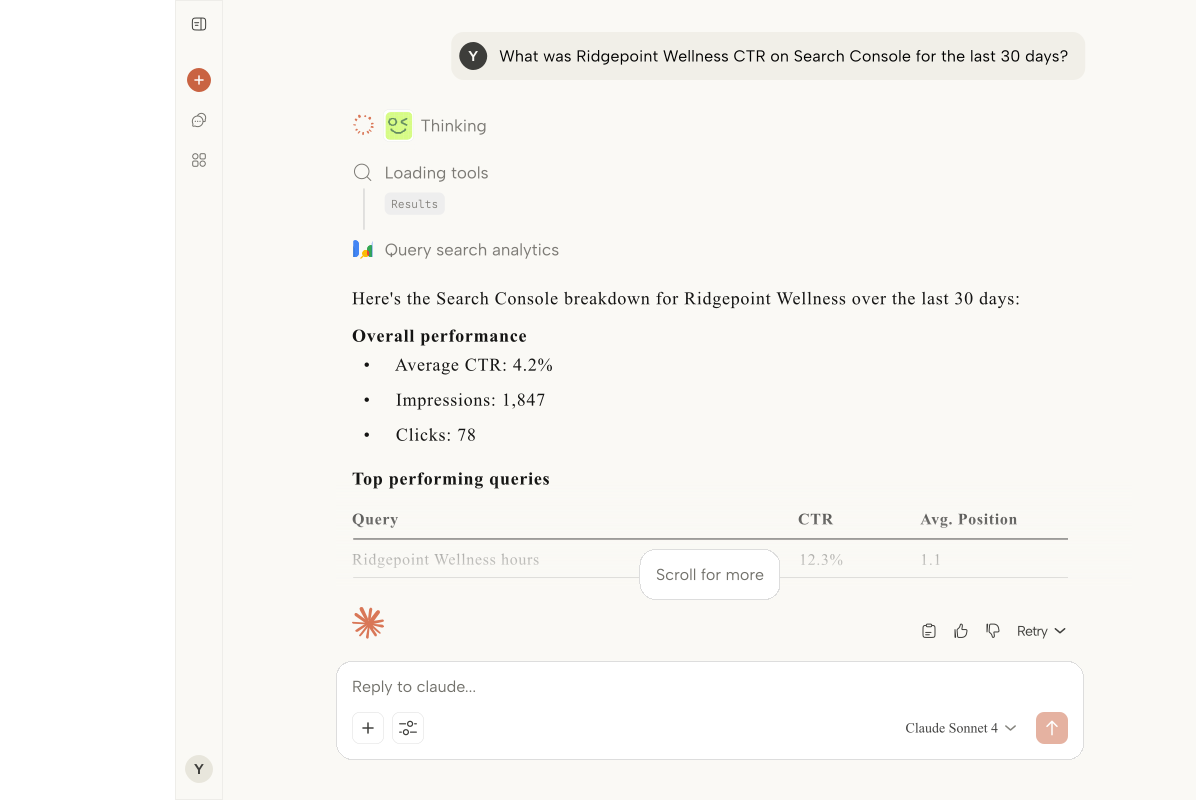
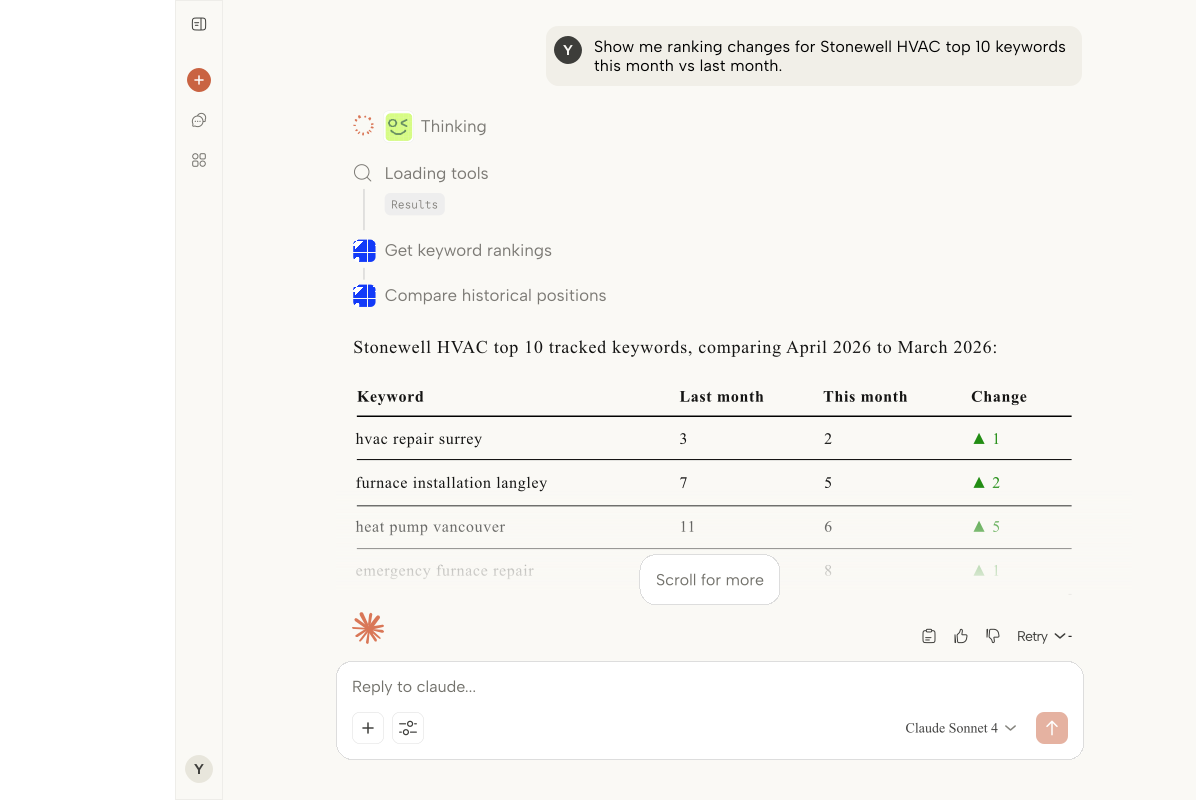
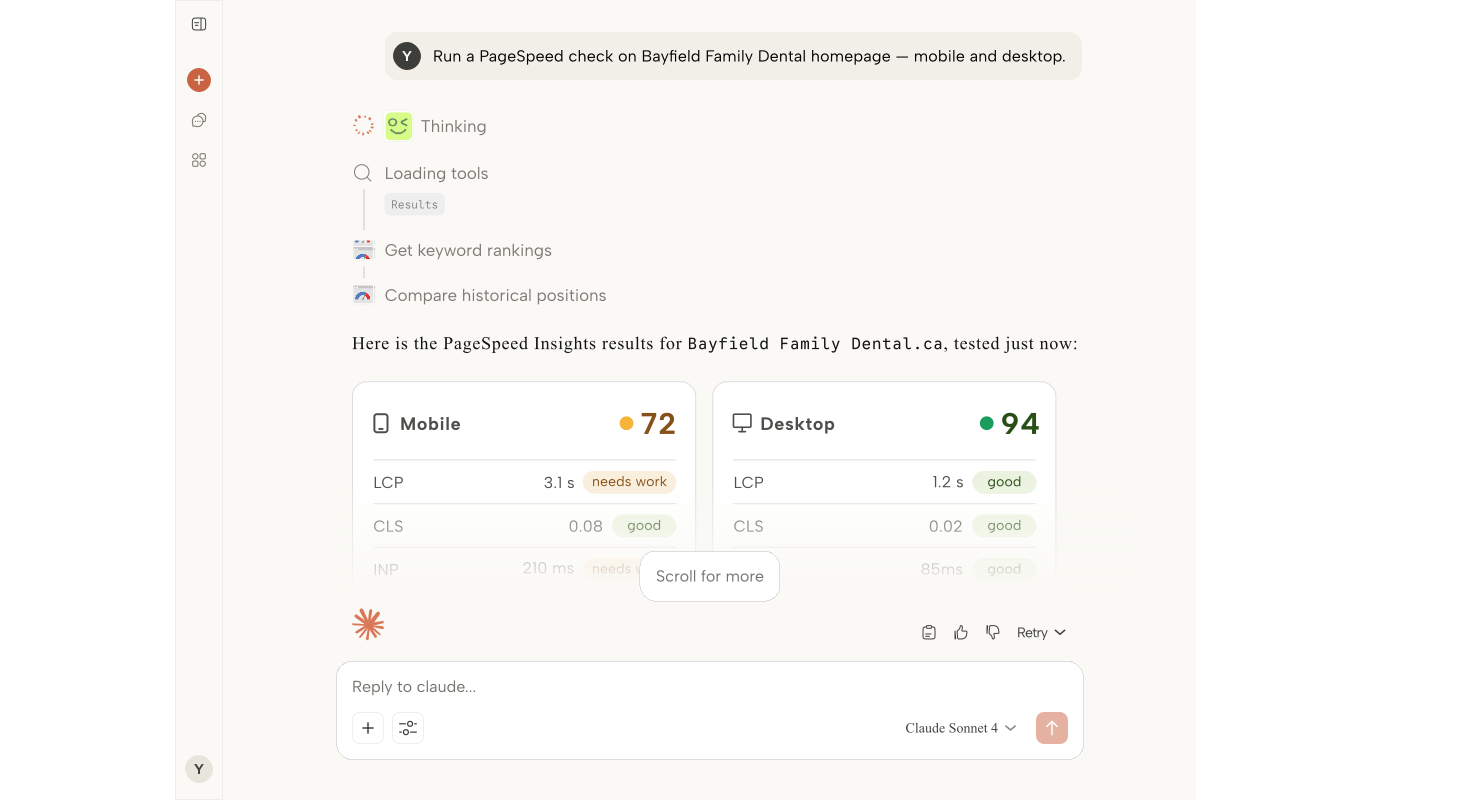
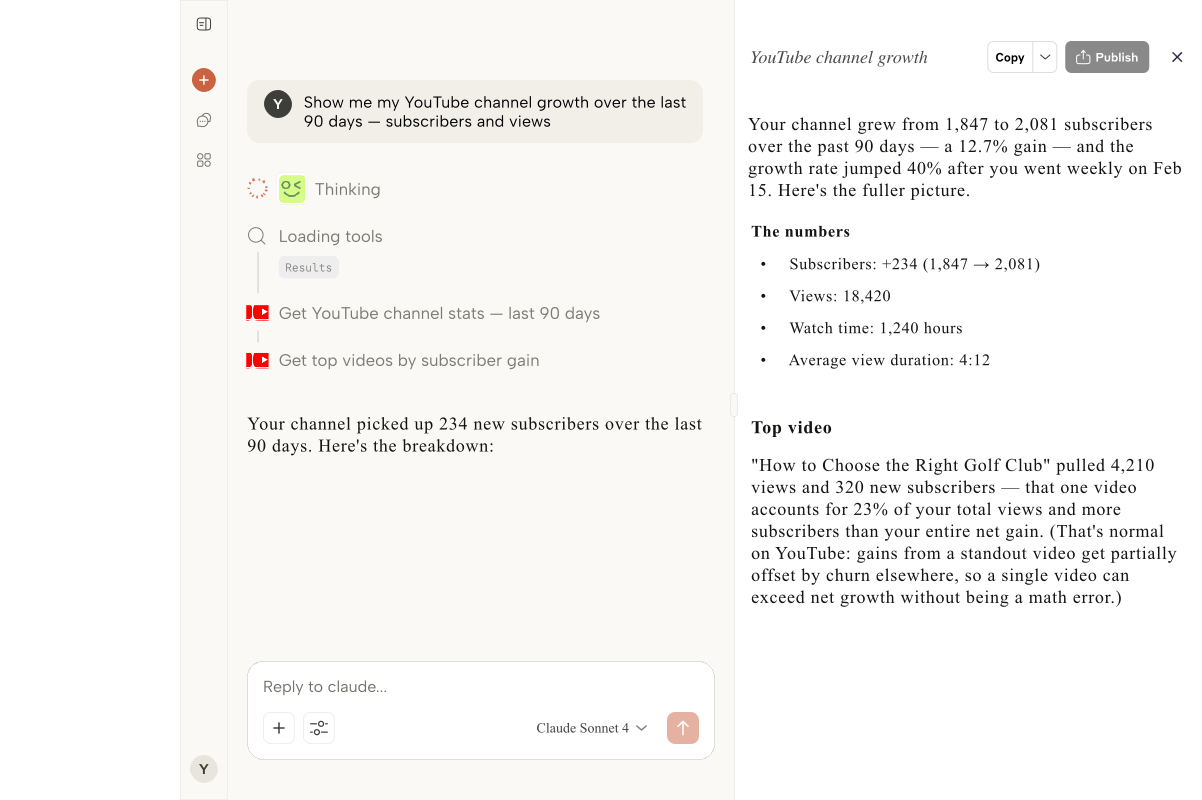
ARLO plugs every channel your client runs into Claude Desktop - GA4, Google Ads, Search Console, Business Profile - so you can answer the status question without pinging three specialists.

Replaces:The 4pm scramble across five dashboardsPre-QBR data-pulls that eat a full afternoonWeekly recap emails rebuilt from scratchSlack threads asking specialists for numbersGoogle Docs full of screenshots

The Problem

Client questions don't wait for the weekly report.

When the CMO asks how this week is going on a Thursday afternoon, you need the answer now, not after you've assembled it from five tools.

The 4pm Slack from the client

'Hey, quick one, how are we trending this month?' sends you into five dashboards while your calendar fills with other meetings. The answer takes an hour you don't have.

QBR prep that eats a full day

Every quarter you rebuild the same narrative from the same tools. Data pulls, chart rebuilds, talking points - by the time the deck is done you are sick of your own story.

Weekly recap emails that never scale

Every client gets a Friday update. Every update takes 20 minutes. Do the math on 15 clients and Friday afternoon disappears.

Pinging specialists for one number

You just need last week's spend or yesterday's conversions. The SEO lead is in a meeting, the PPC lead is heads-down. You wait, or you fumble through a tool you don't live in.

The Solution

What you get with a custom build

Instant status answers

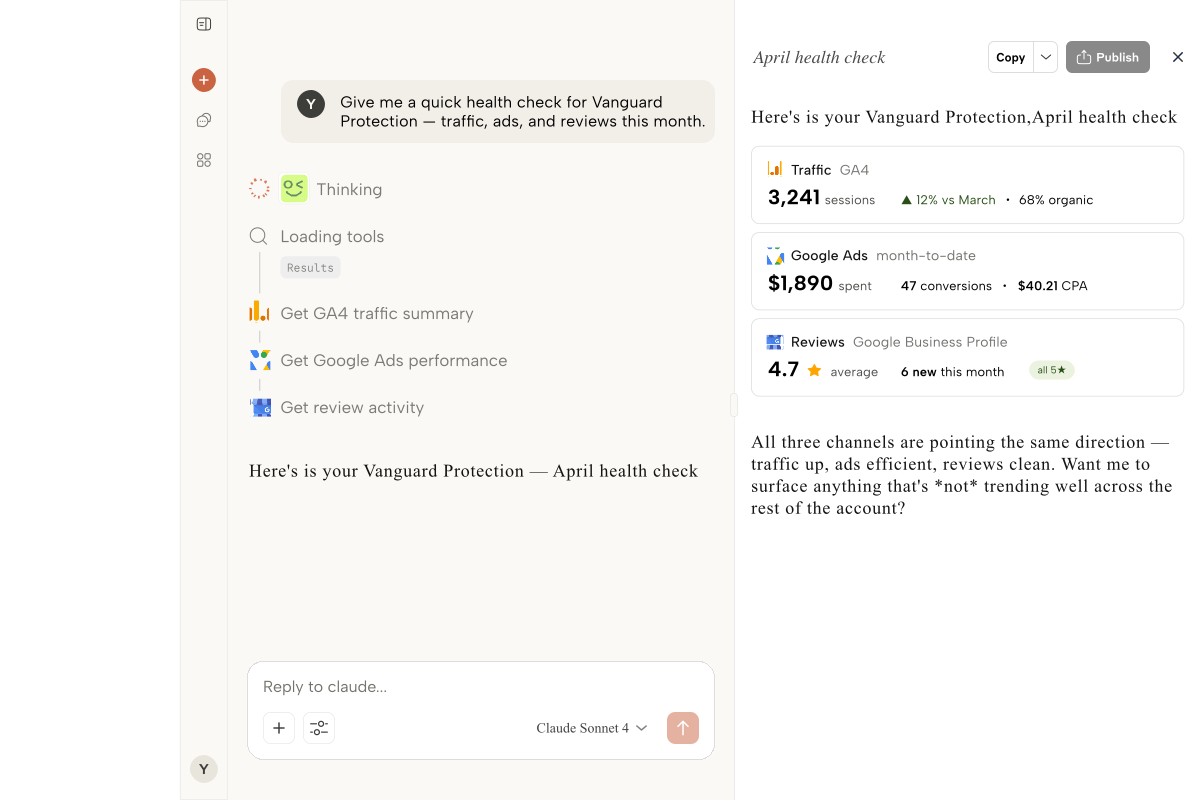
'How is Acme trending this month versus last?' pulls live GA4 and Ads data in one response. You reply to Slack before the client has refilled their coffee.

QBR prep in a fraction of the time

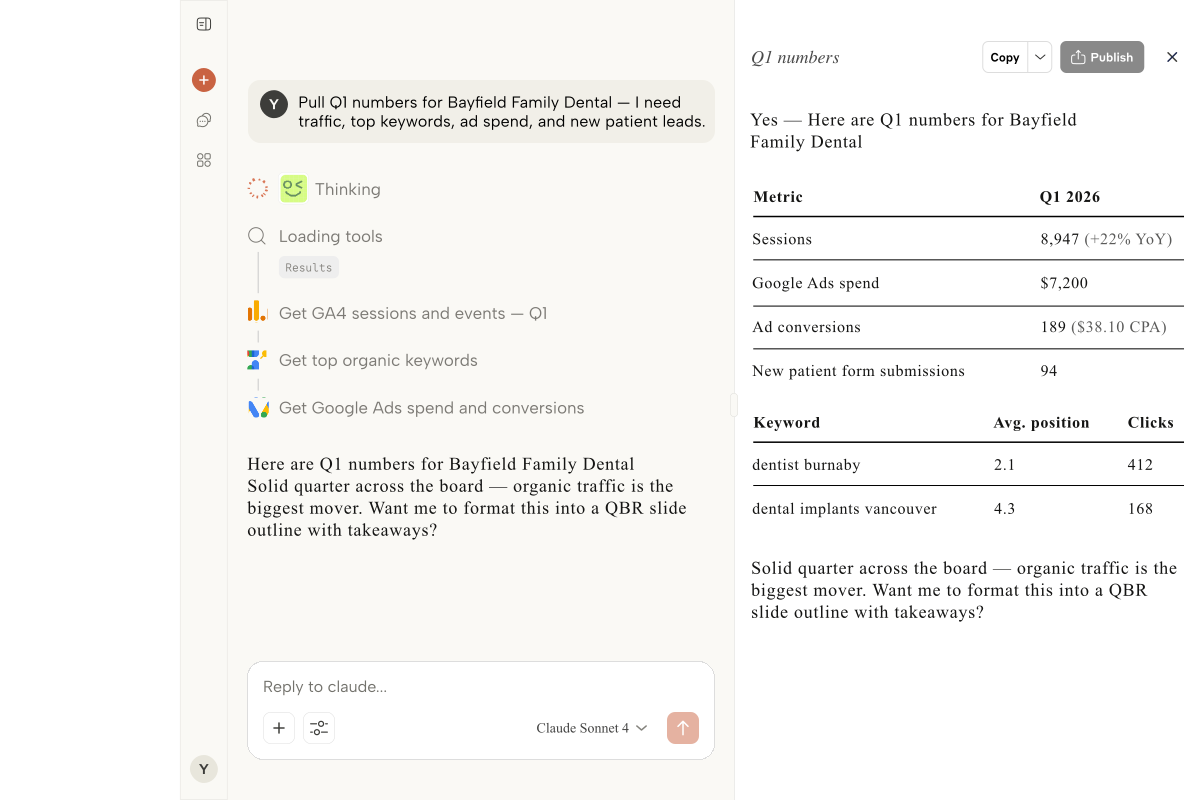
Ask ARLO for the quarter's story across organic, paid, and local. You get the shape of the narrative in minutes and spend your time on the strategic layer, not the data pull.

Recap emails you draft in Claude

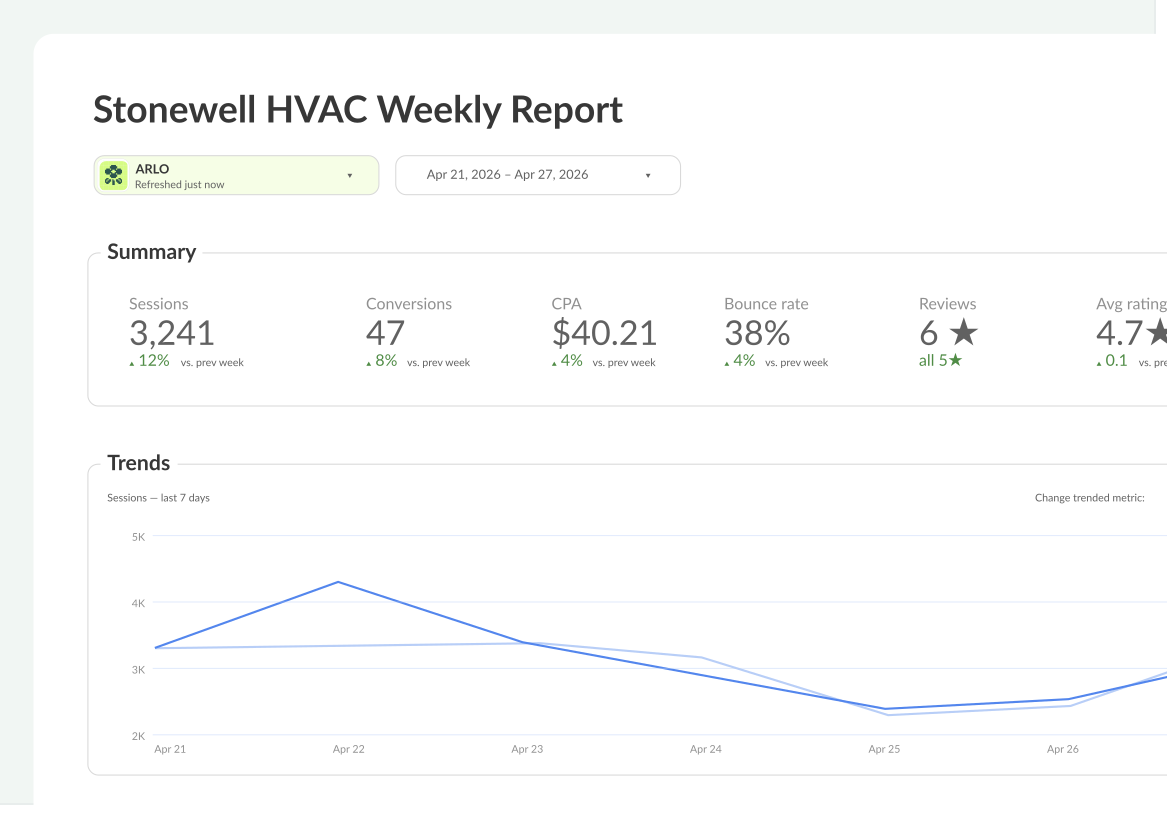
Prompt ARLO for the week's movement across channels. Get a draft you edit for voice instead of assembling from scratch.

Stop interrupting your specialists

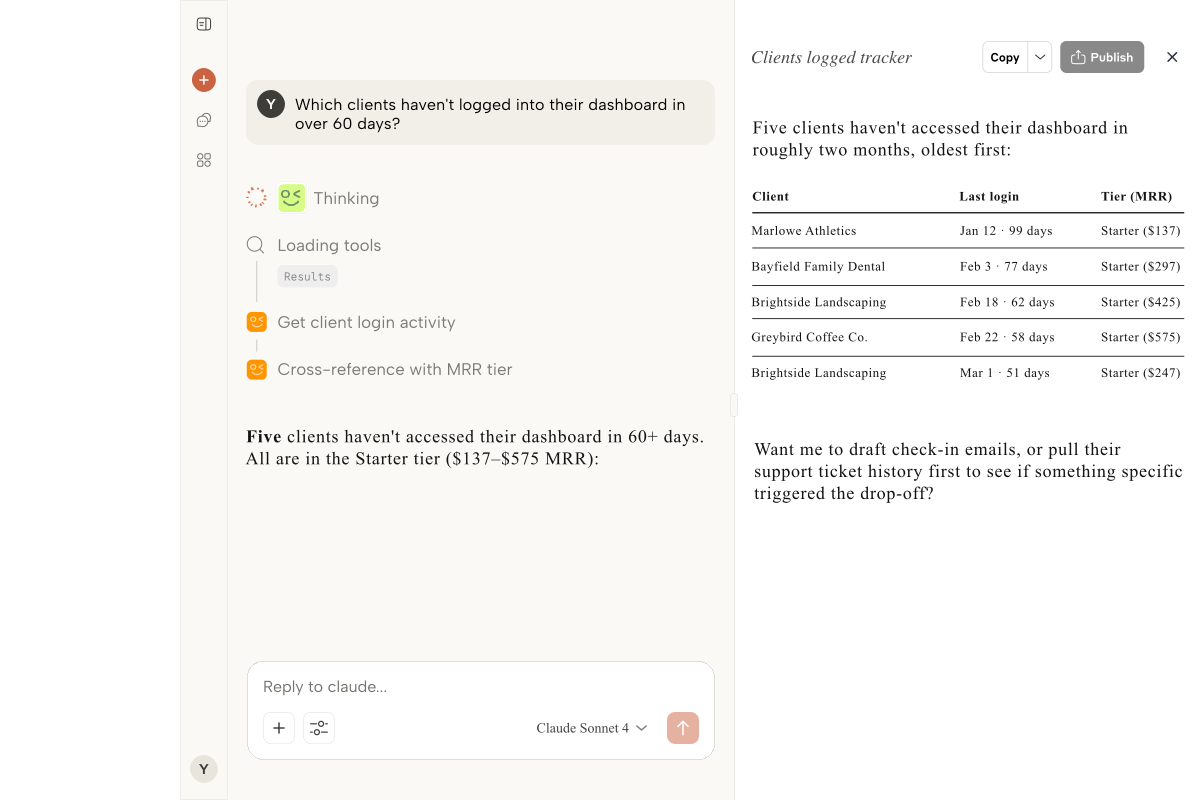
Pull your own numbers without pulling your SEO or PPC leads off deep work. They thank you, the client gets faster answers, the agency runs smoother.

Process

How we build it

01

Sign up in 60 seconds

Create your ARLO account with your agency email. You do not need admin access to get started.

02

Connect Google

OAuth the Google account that has access to your clients' GA4, Ads, Search Console, and Business Profile data.

03

Add your clients

Confirm which properties belong to which client. ARLO groups multi-channel data so you can ask questions about 'Acme' instead of account IDs.

04

Copy your MCP URL

Grab ARLO's MCP URL and paste it into Claude Desktop. Done in under a minute.

05

Ask anything

Next time the client pings, ask Claude. Have the answer before you finish typing 'let me check'.

Best Fit

Who this is for

Client-services agencies with dedicated AMsFull-service shops with pod-based teamsAgencies running QBR-heavy client programsFreelance account leads on retainerIn-house marketing ops coordinators

FAQ

Common questions

If you can use Slack and Google Docs, you can use ARLO. There is no SQL, no dashboard building, and no query language. You type the question the same way you would ask a teammate.

Yes. Claude gives you plain-text responses you can paste into a recap email or Slack reply, or turn into talking points for a QBR. Many account managers use ARLO to draft the update and then polish it.

ARLO inherits whatever Google permissions you already have. When access changes, the data available to you updates automatically. Nothing to re-sync.

Yes. Ask ARLO about a client with 40 Google Business Profile locations and it aggregates the view while still letting you drill into any one location. Great for franchise and multi-location brands.