
Connect Google once, add your clients, and paste your MCP URL into Claude Desktop. Your first working query lands in under five minutes — no credit card required.
For SEO specialists
Your whole SEO stack, answered in one sentence.
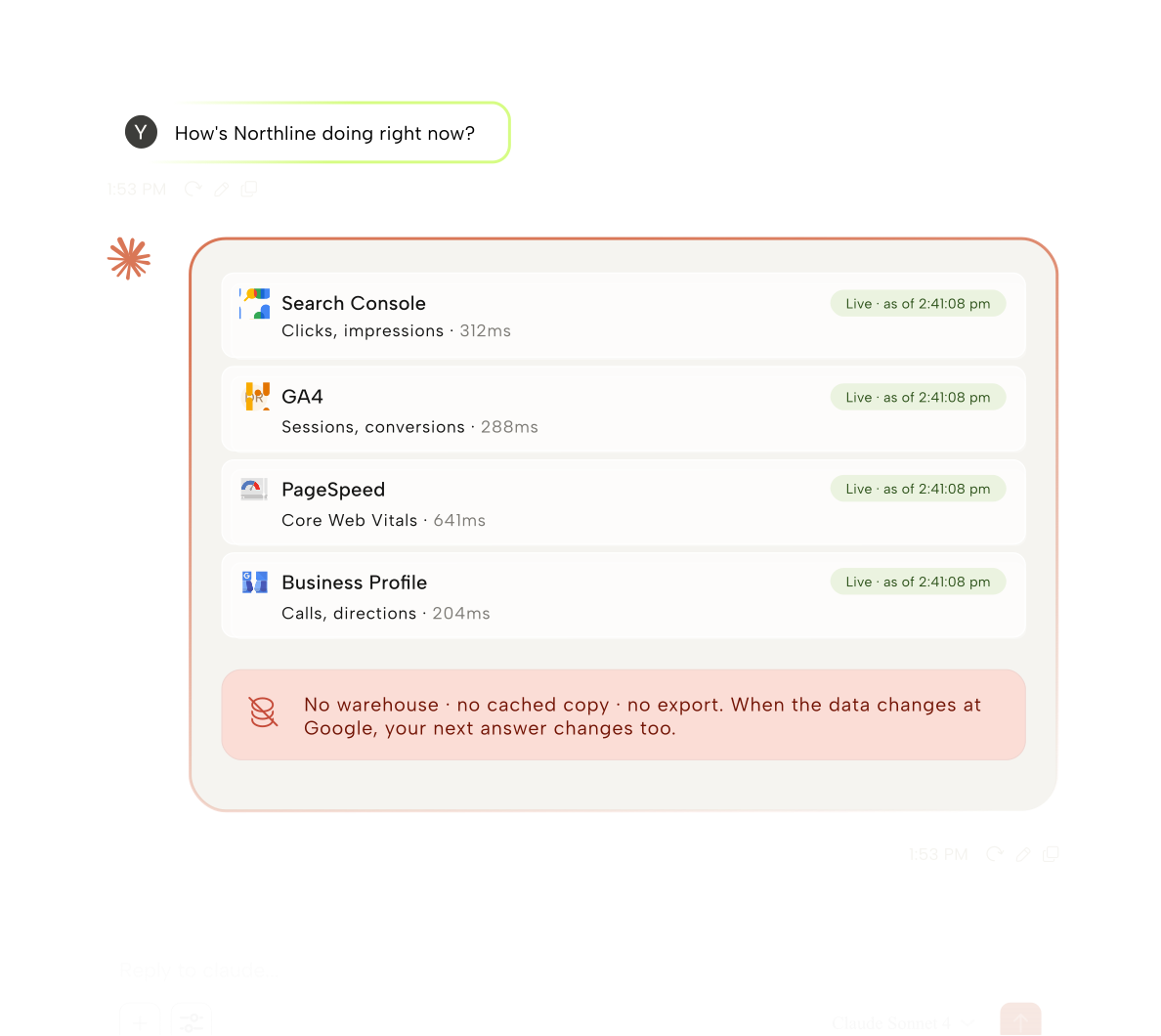
ARLO plugs Claude Desktop into Search Console, GA4, PageSpeed, and Google Business Profile — so you can ask about any client without opening another tab.

The solution
One connector, every Google surface
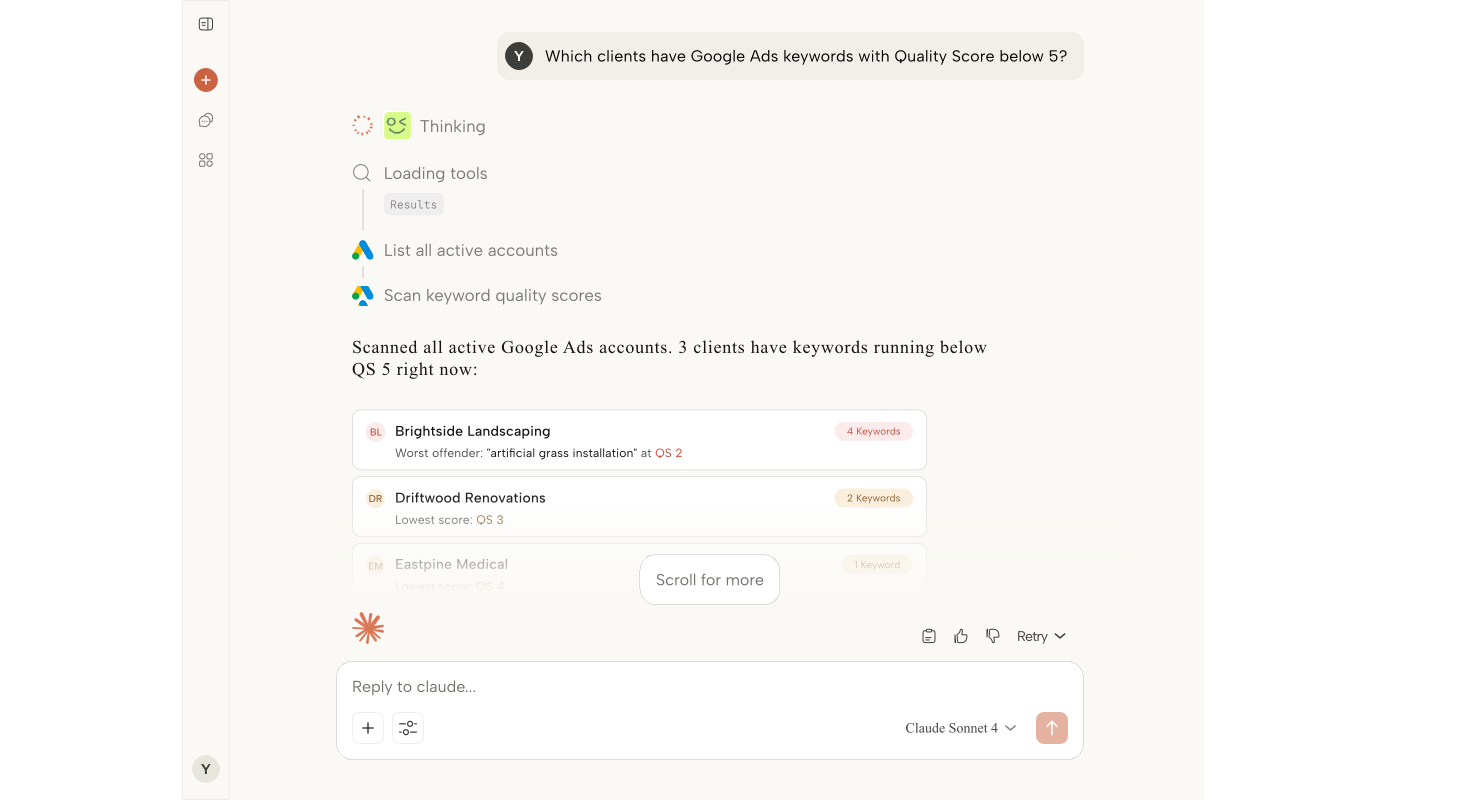
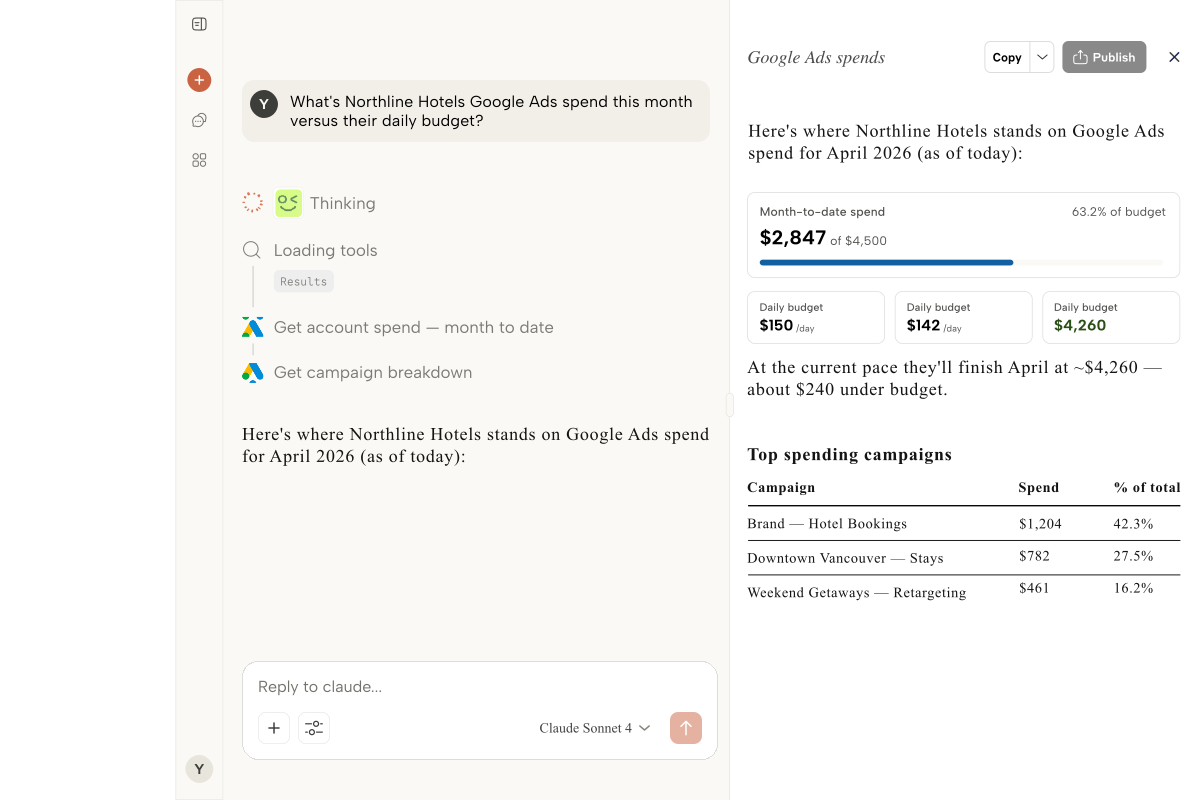
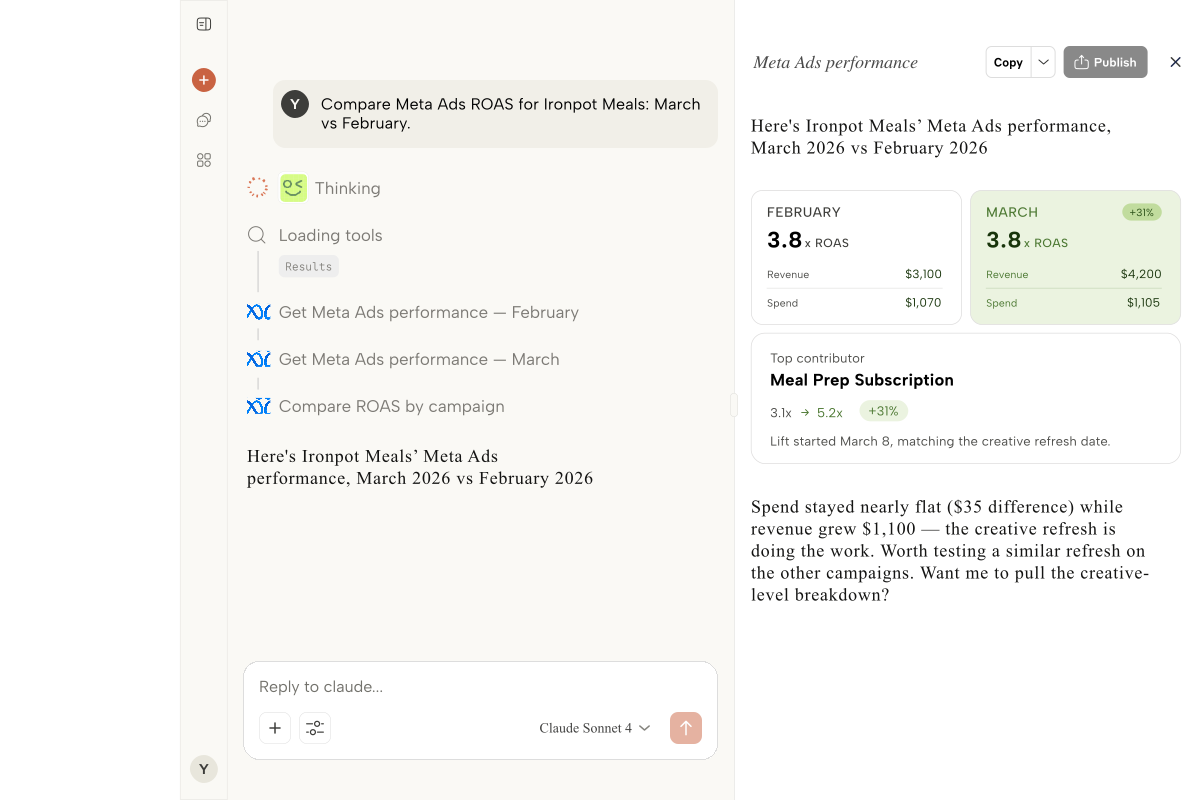
Ask in plain language and ARLO pulls live data from every Google surface you already use — no exporting, no tab-hopping.
One prompt, every property
Ask “which clients lost top-3 keywords this week” and ARLO pulls from every connected Search Console property at once.
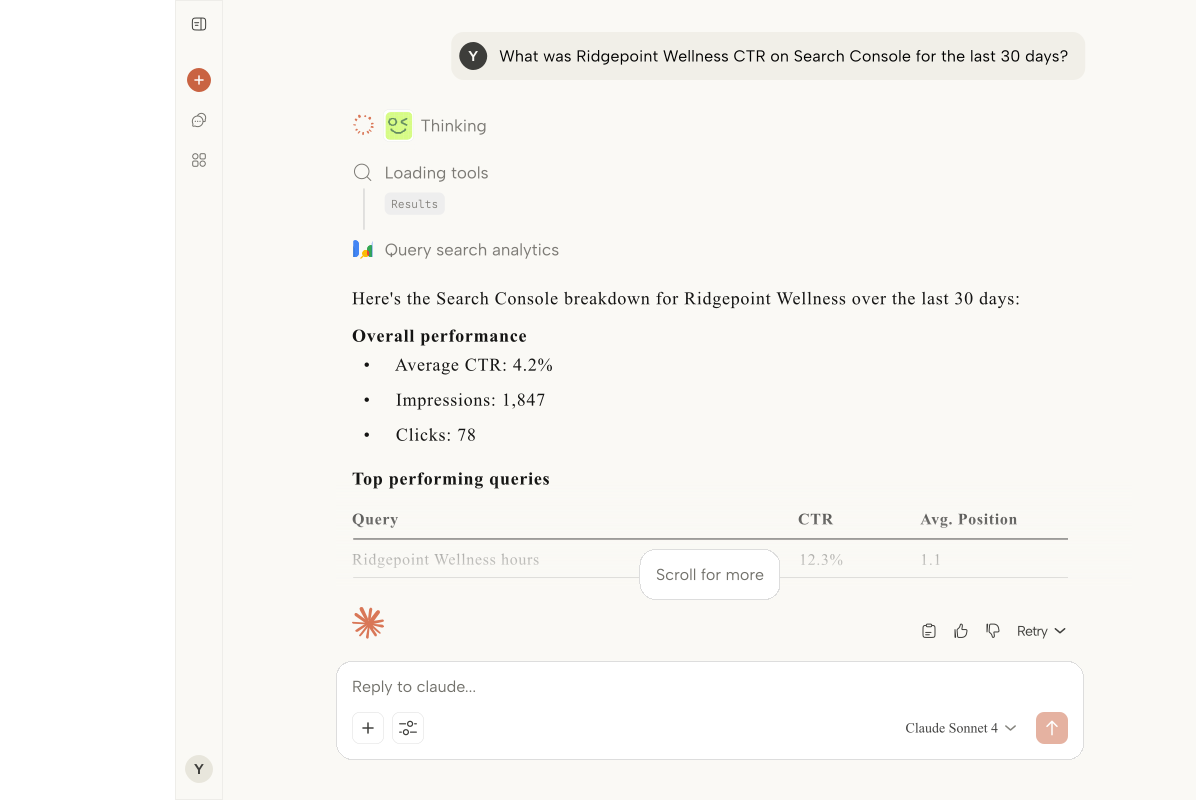

Indexation on demand
Coverage and sitemap questions become a one-line prompt instead of a 20-minute deep dive.
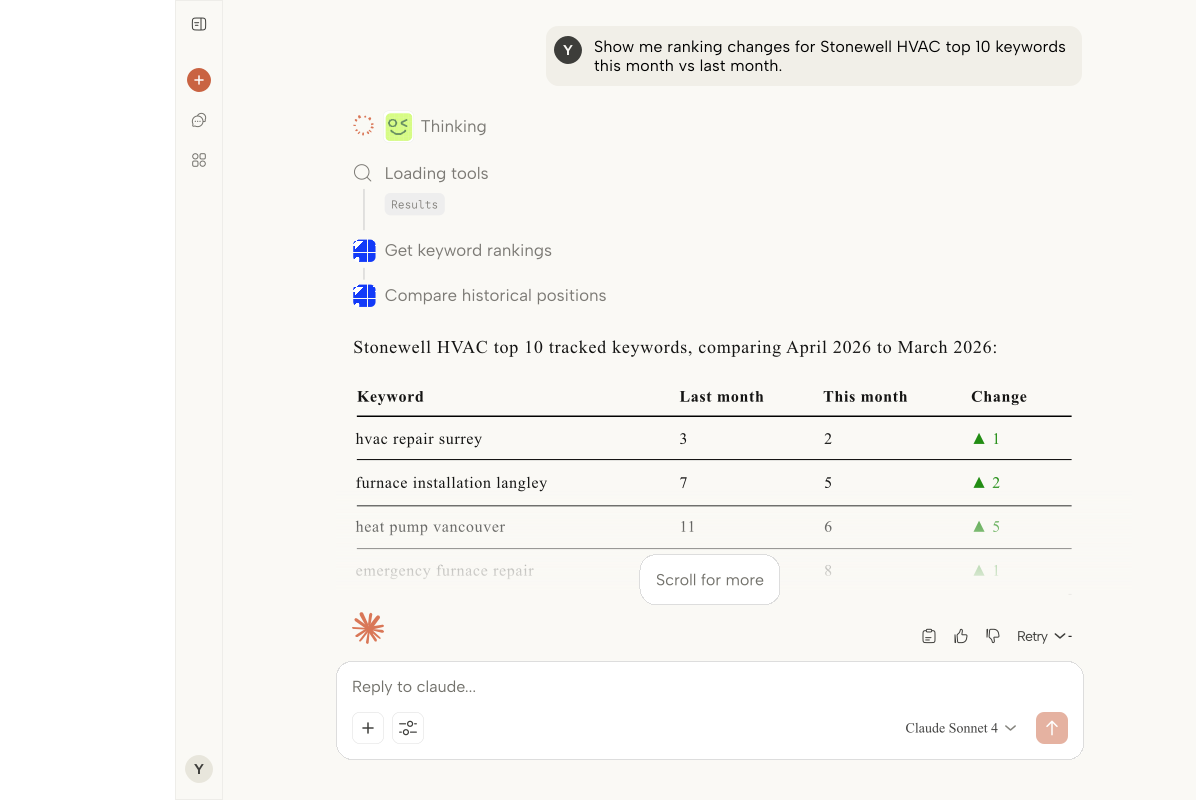

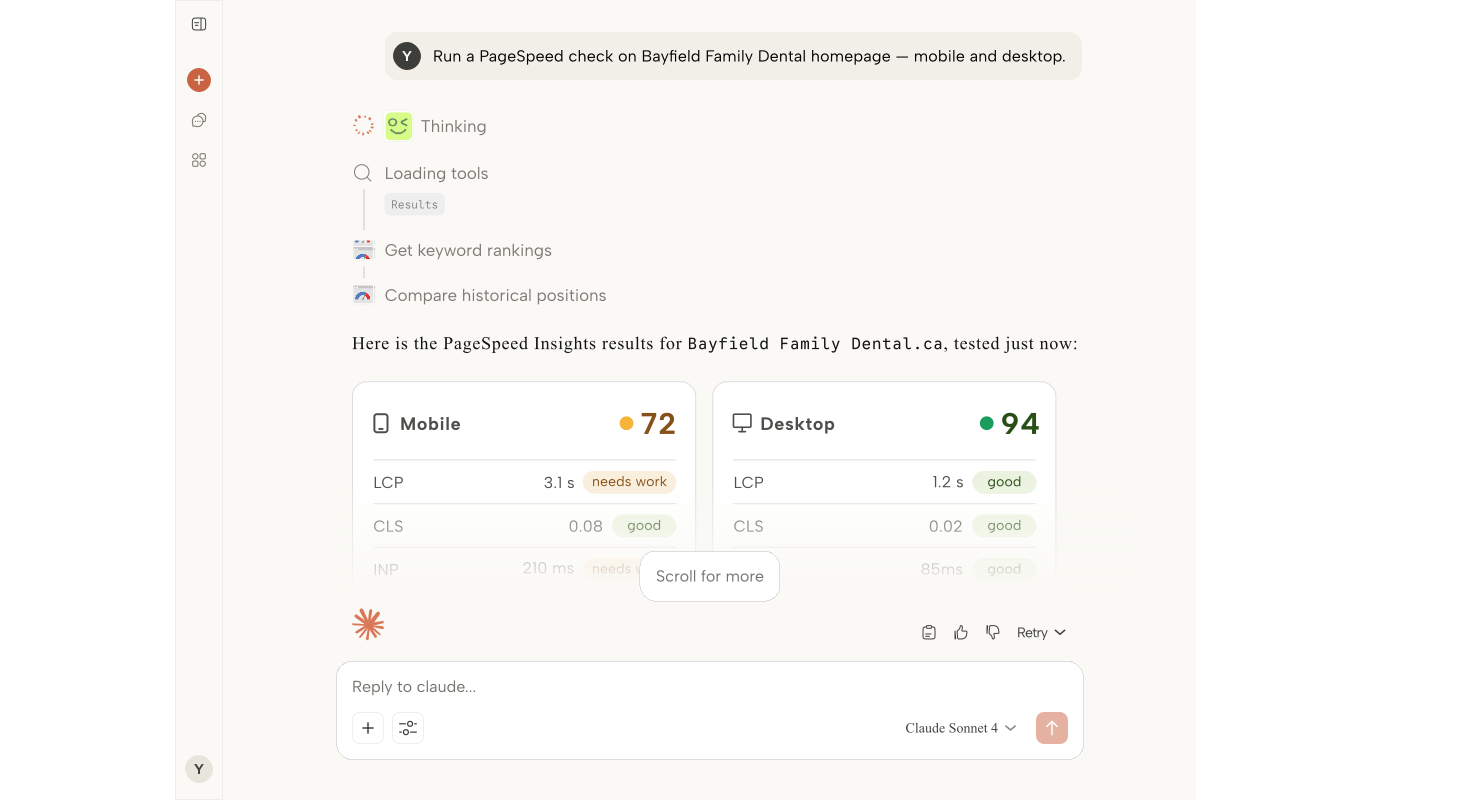
Core Web Vitals you track
Request PageSpeed data for any URL or domain and watch the weekly trend — before a client notices the regression.

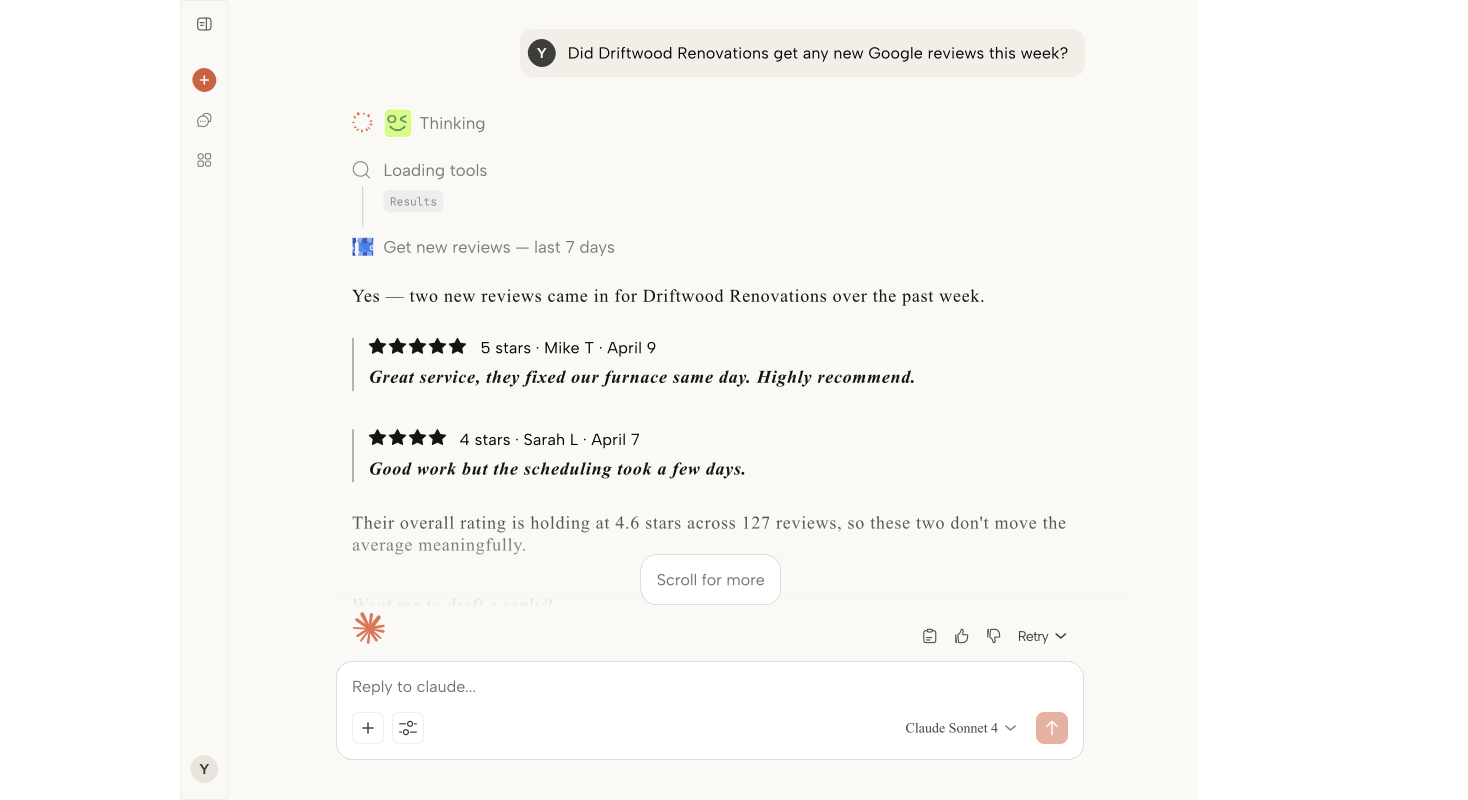
Local SEO, no GBP sprawl
Connect Google Business Profile once and query calls, directions, and reviews across every client location.


How it works
One connection today, every answer from here on.
01Connect your clients
One Google OAuth grant links GA4, Search Console, PageSpeed, and Business Profile for every client you manage — set it once, at the workspace level.
02Ask in plain language
Paste your MCP URL into Claude Desktop and ask about any client, any surface. No exports, no dashboards, no tab-hopping — just the answer.
03Reporting that runs itself
Monday mornings stop being a scramble. Every client is covered, every answer is a sentence away, and your hours go to strategy instead of screenshots.
Example prompts
Things you can just ask.
Drop your MCP URL into Claude and ask in plain language. Here’s a taste of what one connection unlocks.
Which clients lost top-3 keyword rankings this week?
Catch slipping rankings across your entire book in one question — before a client emails you first. No property-hopping, no spreadsheets.
How did organic traffic move across my whole book this month?
Walk into every client call already knowing the story. One prompt replaces a dozen dashboard logins.
Which pages fell out of Google’s index since our last deploy?
Indexation problems surface the day they happen, in plain language — instead of hiding in a coverage report nobody opens.
What’s the Core Web Vitals trend for this client this month?
Spot a regression while it’s still cheap to fix — not after a client notices their pages feel slow.
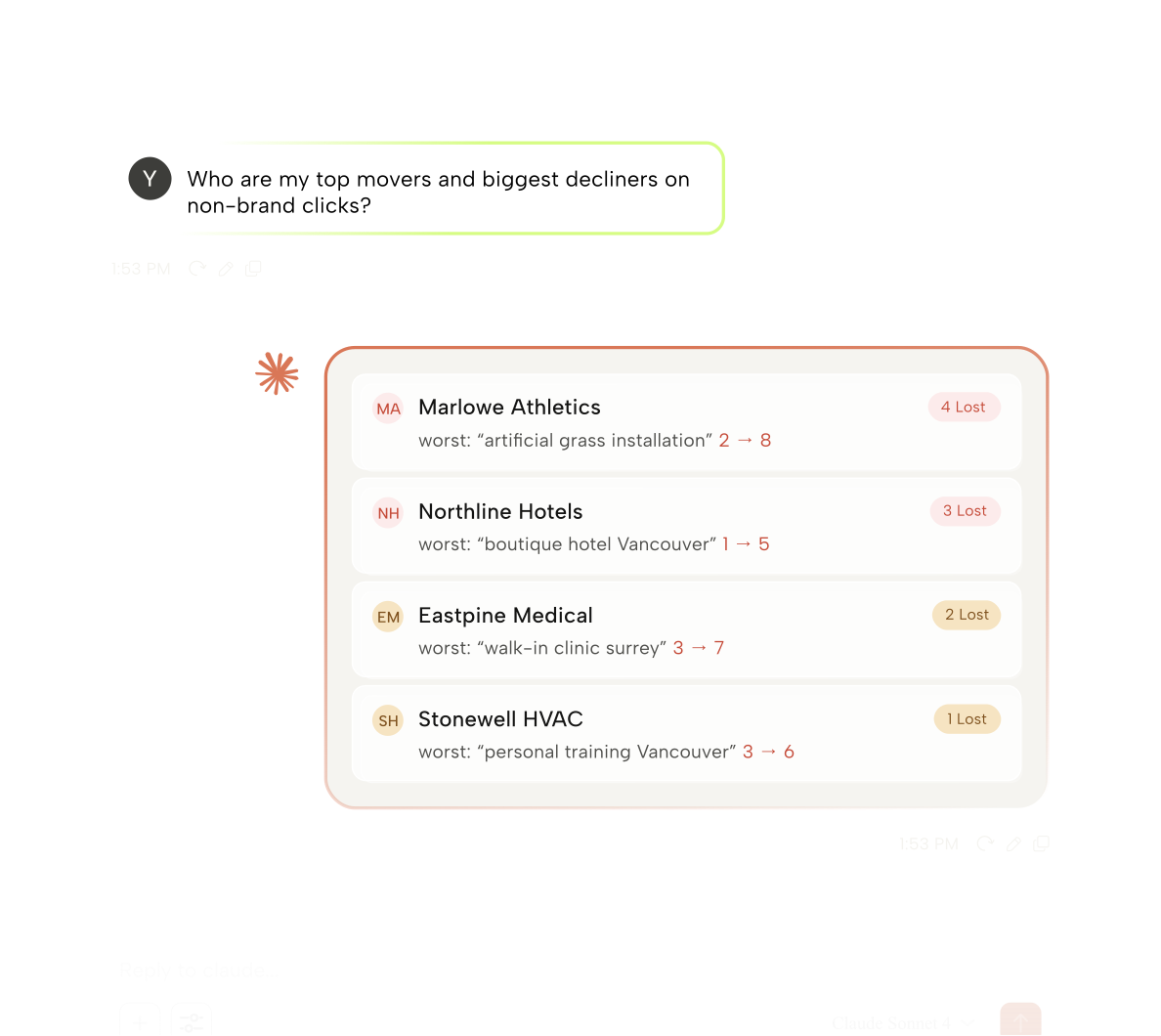
Which client’s non-brand clicks dropped more than 15%?
Your whole portfolio becomes one health check — the accounts that need attention raise their own hand.
How are calls and directions trending across all GBP locations?
Local performance for every location, without opening a single Business Profile dashboard.
Where are the quick wins — high impressions, low CTR?
Get a prioritized list of pages already ranking but under-clicked, so you know exactly which titles to rewrite first.
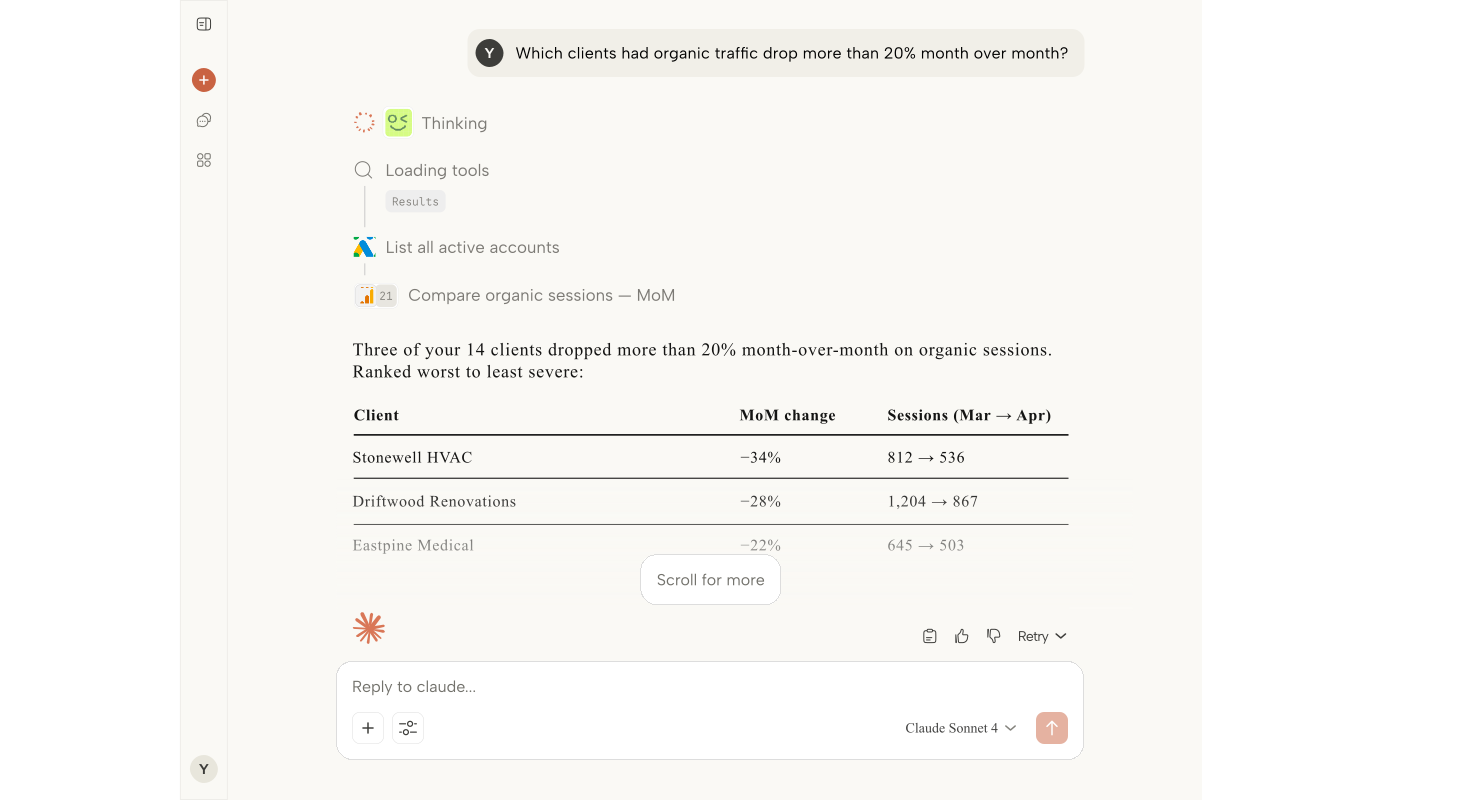
Compare this month vs last for every client’s organic sessions.
The monthly rollup that used to eat an afternoon of copy-paste is now a single sentence.
Which queries are gaining impressions but losing position?
Defend the rankings that matter most while the trend is still reversible — the exact spots a competitor is moving in.
Give me a one-line health check for every client before my Monday calls.
Start every week — and every conversation — already knowing where things stand.
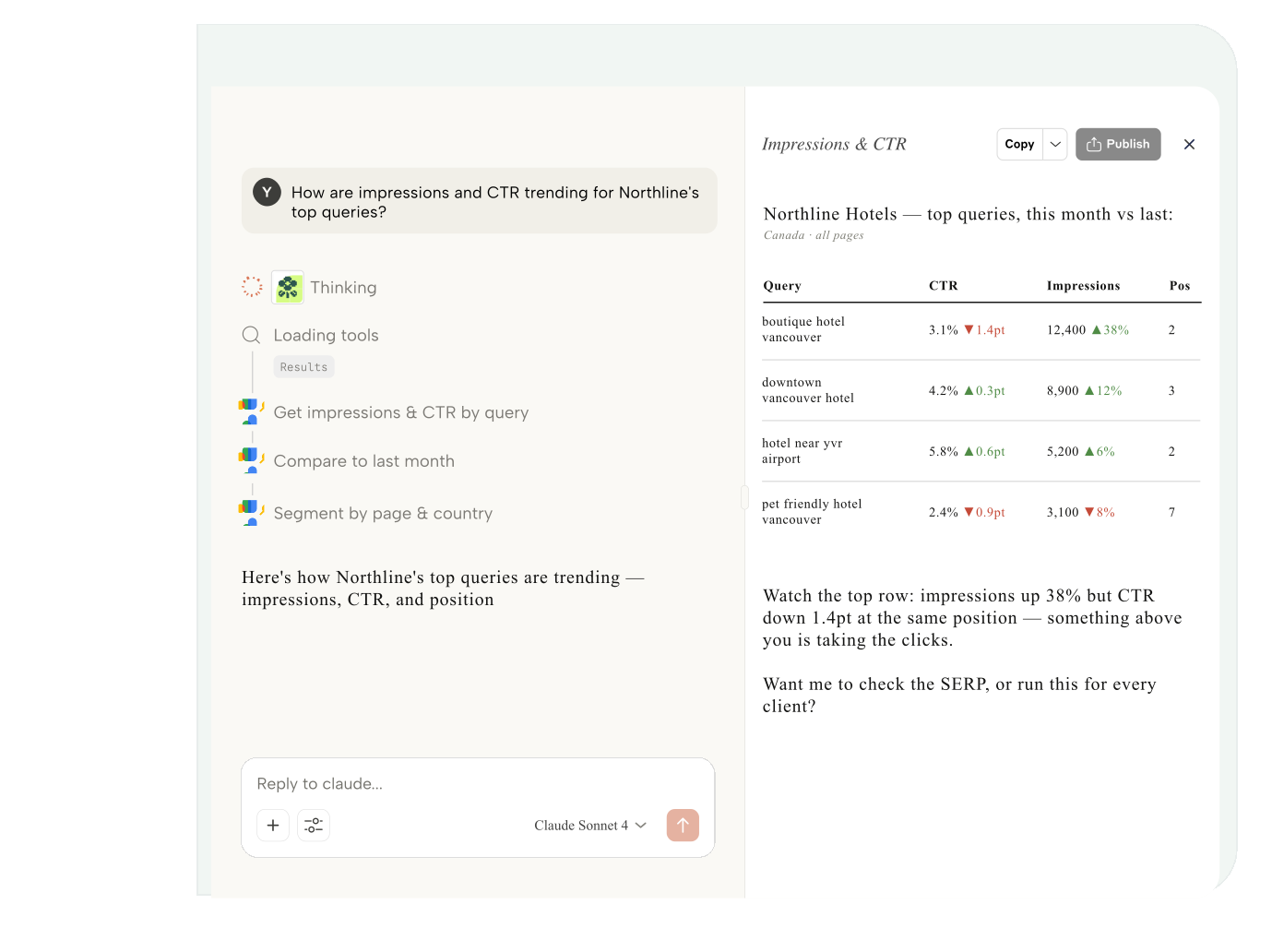
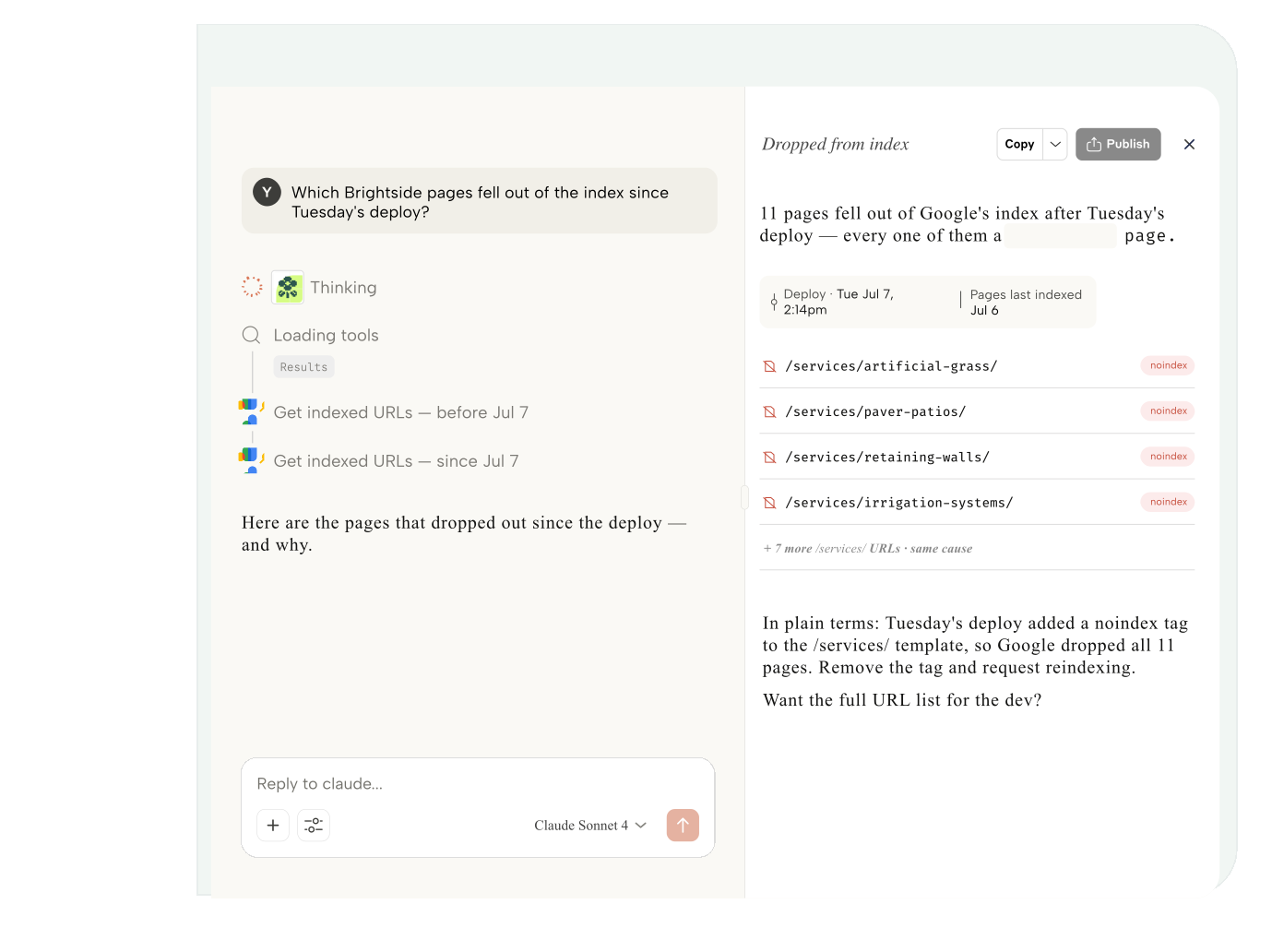
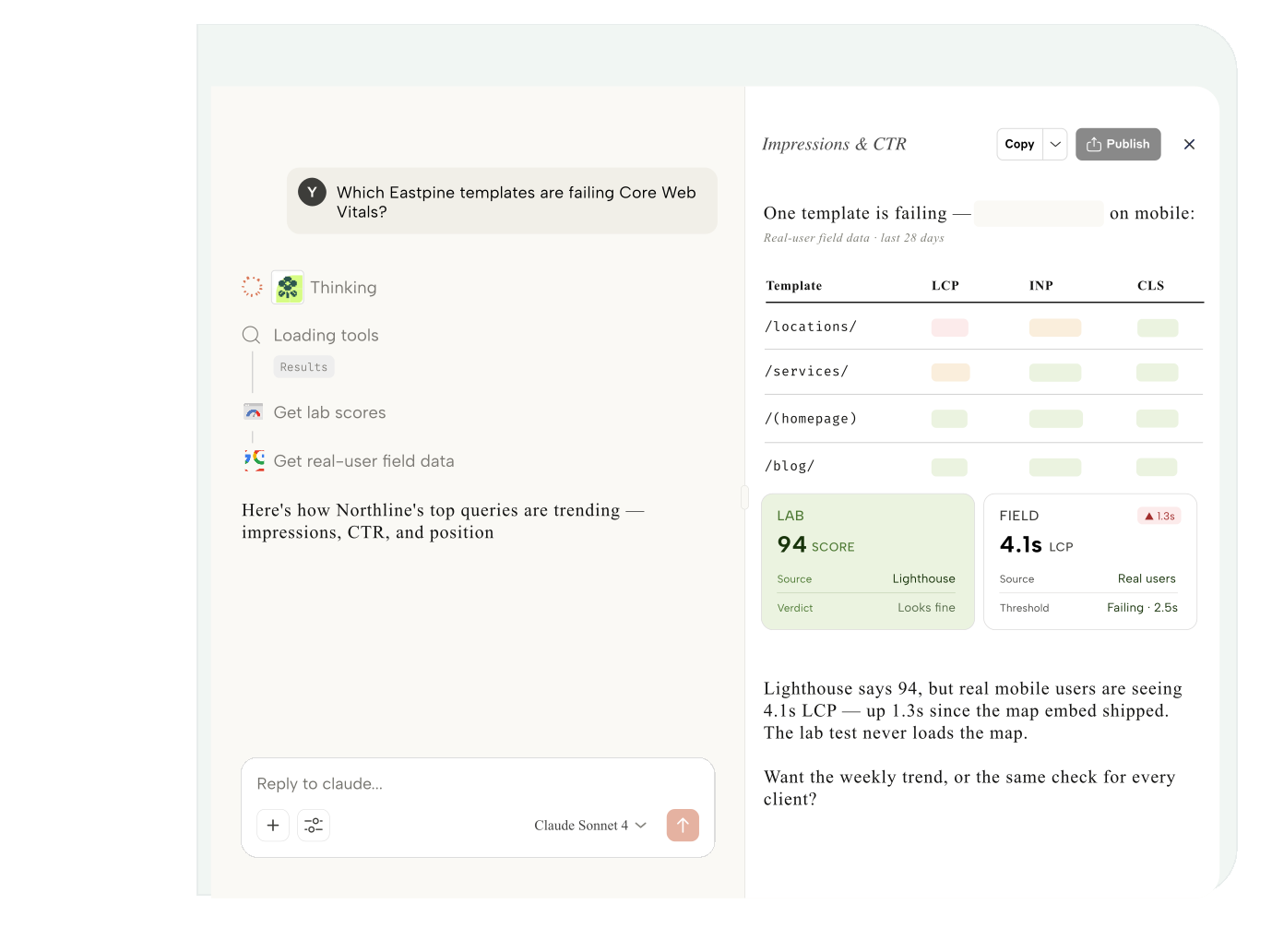
What you can ask
Rankings, traffic, and speed —
answered live.

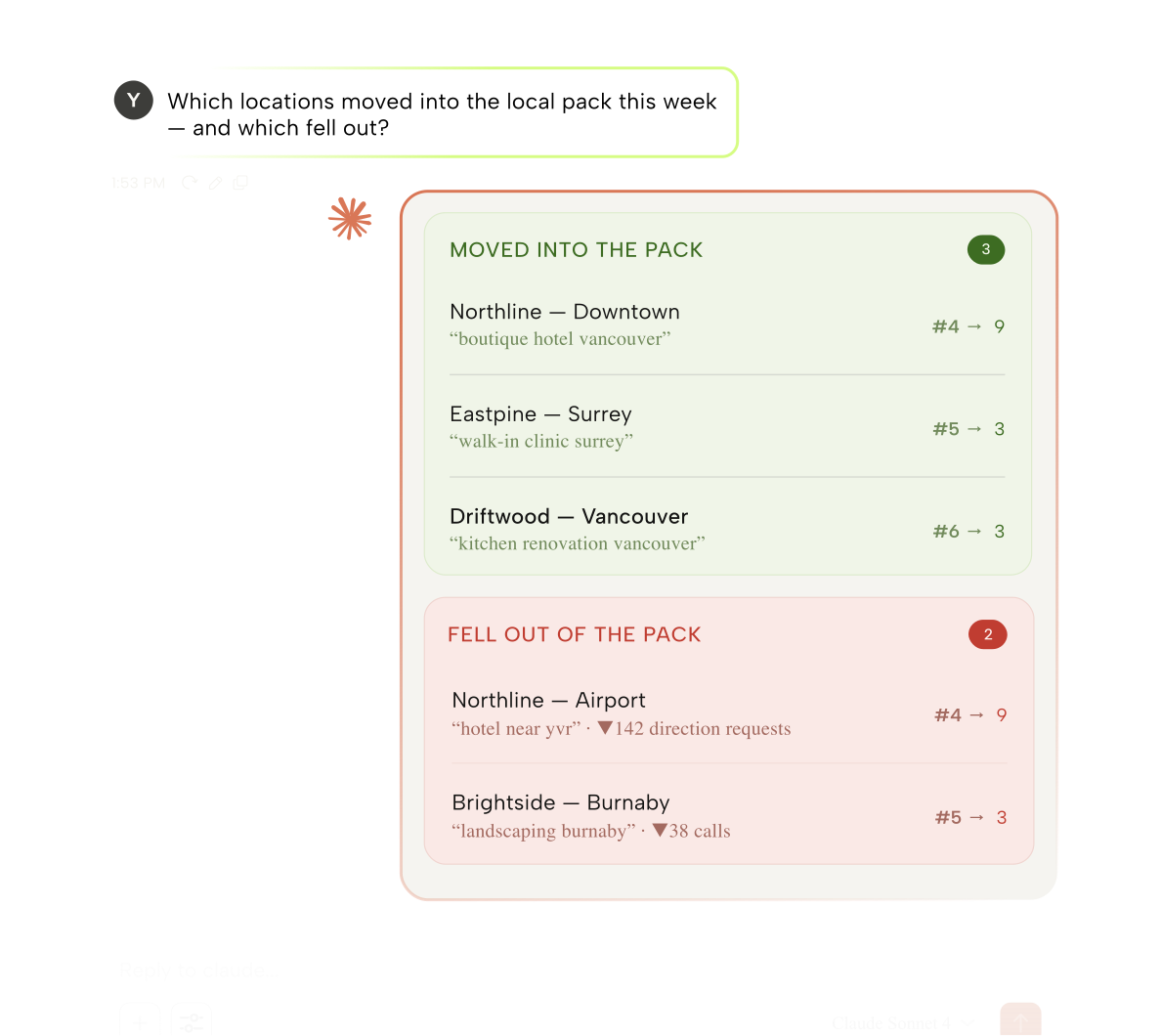
Go deeper
Local, brand, and the
whole portfolio.
Best fit
Built for how SEO teams actually work
If you run search for a book of clients, ARLO turns Monday-morning reporting into a single question.
Boutique SEO shops
10–50 clients, no full-time reporting analyst.
Full-service agencies
One SEO lead across every client account.
In-house search teams
Search across multiple brands or regions.
Local & freelance SEO
Multi-location clients, billed by the insight.
Technical SEOs
Indexation and Core Web Vitals on demand.
Content & editorial leads
See what’s ranking and what’s slipping.
Account managers
Client updates without the dashboard hunt.
Agency owners
Portfolio health in a single glance.
SEO consultants
Answers worth billing for, in seconds.
Reporting & ops
Monday reporting that runs itself.
Setup
Live in five minutes, not five meetings
FAQ
The questions we get most
Everything agencies ask before connecting their first client.
Can't find what you're looking for? Contact our support team
How do I connect a client's Google accounts?
One Google OAuth grant per client covers GA4, Search Console, Google Ads, YouTube, and Business Profile. Assign each client their properties once, then query them all from Claude.
Does ARLO store my clients' data?
No. ARLO is a pure pass-through connector — every metric is fetched live the moment you ask and streamed straight to Claude. Nothing is ever written to disk.
Which SEO surfaces does ARLO connect to?
Search Console, GA4, PageSpeed Insights for Core Web Vitals, and Google Business Profile — so rankings, indexation, traffic, and local SEO are all one prompt away.
How do I actually ask a question?
Paste your MCP URL into Claude Desktop and ask in plain language. No exports, no dashboards, no tab-hopping.
Can my whole team use it?
Yes. Every member gets their own MCP token so every query is attributed, while connections stay at the workspace level.