







For PPC Managers

Audit every Google Ads account without switching once.

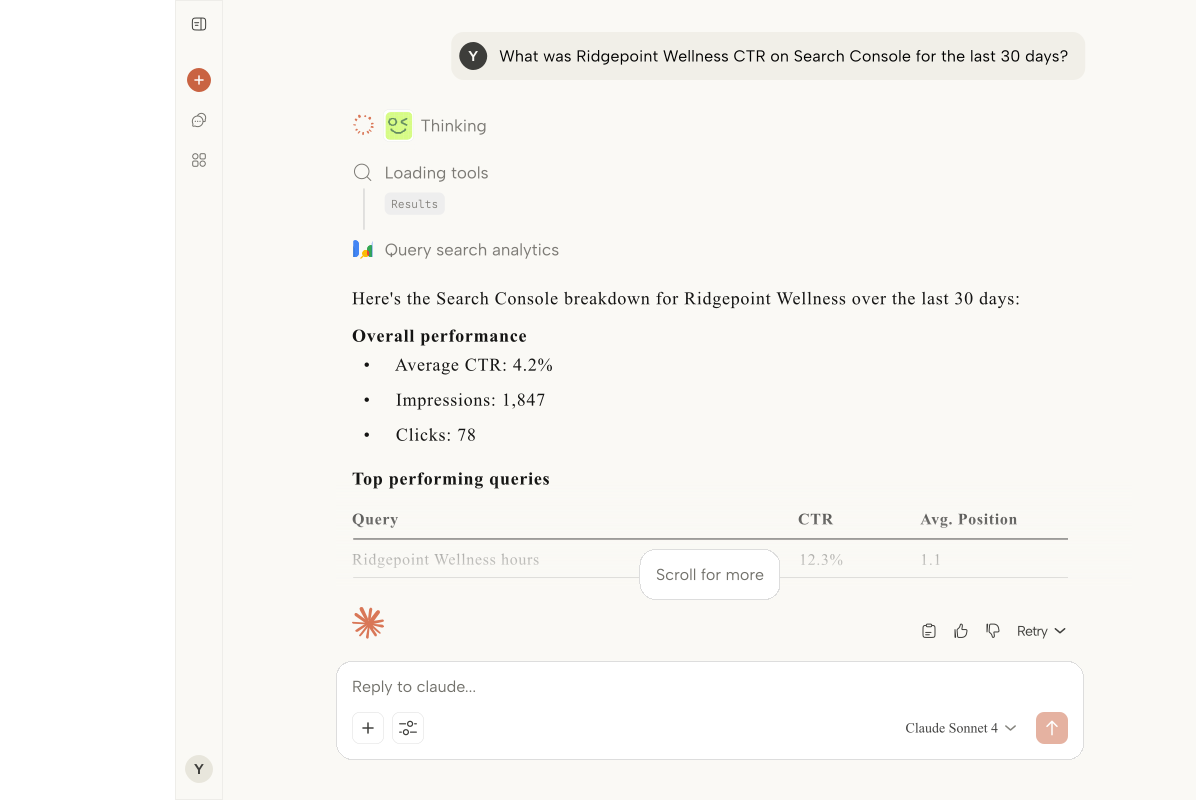
ARLO plugs Claude Desktop into your MCC and GA4 so you can ask about spend, conversions, Quality Score, and search terms across every client at once.

Replaces:MCC account switching to find one numberMorning spend-check spreadsheetsManual Quality Score auditsCross-account reporting built in slide decksChecking every client's search terms report by hand

The Problem

Your MCC was not designed for 30 active accounts.

The more clients you add, the slower every question gets. ARLO collapses that workflow into a single prompt.

The MCC switching treadmill

Checking yesterday's spend across 30 clients means 30 account loads. By the time you finish, the numbers you pulled first are already stale.

Brand defenders bleeding money

A brand campaign's CPC doubles overnight because a competitor started bidding. You find out three days later when you get to that client in the rotation.

Quality Score drops nobody flags

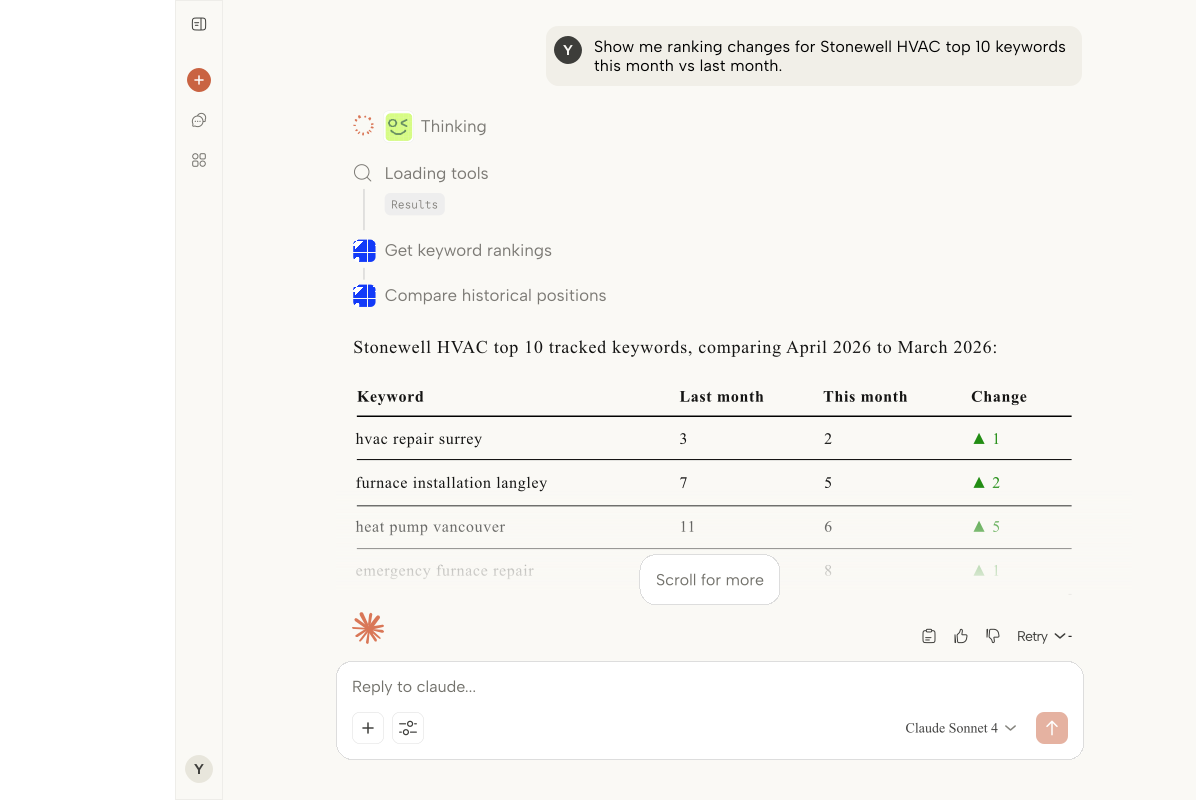
A keyword falls from QS 8 to QS 4 and ad rank tanks before you notice. There is no single view that shows QS shifts across your book.

Search terms reports you skip

You know the junk queries are in there. You also know it's 45 minutes of scrolling per client. So the negative keyword work keeps slipping to next week.

The Solution

What you get with a custom build

One prompt across the whole MCC

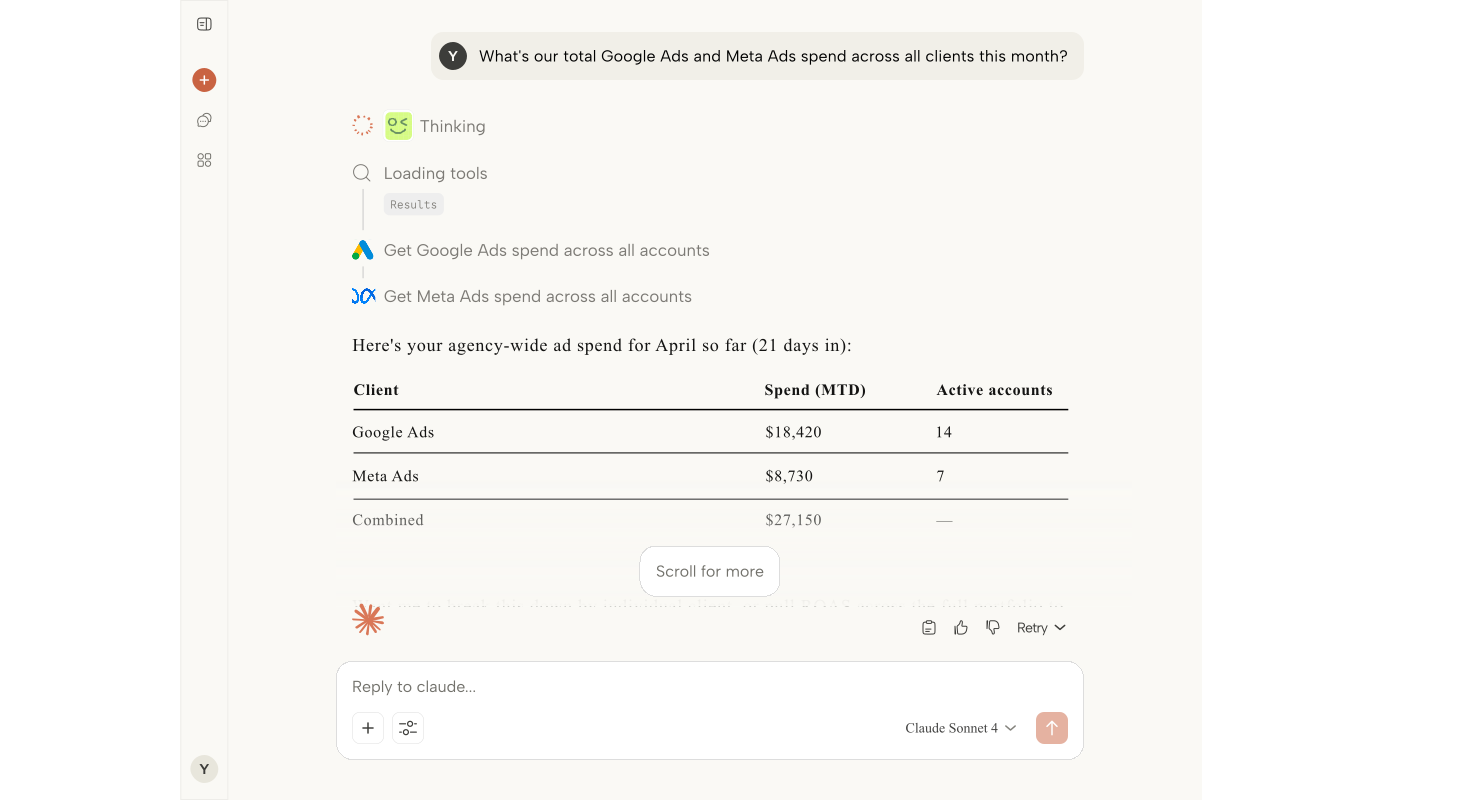
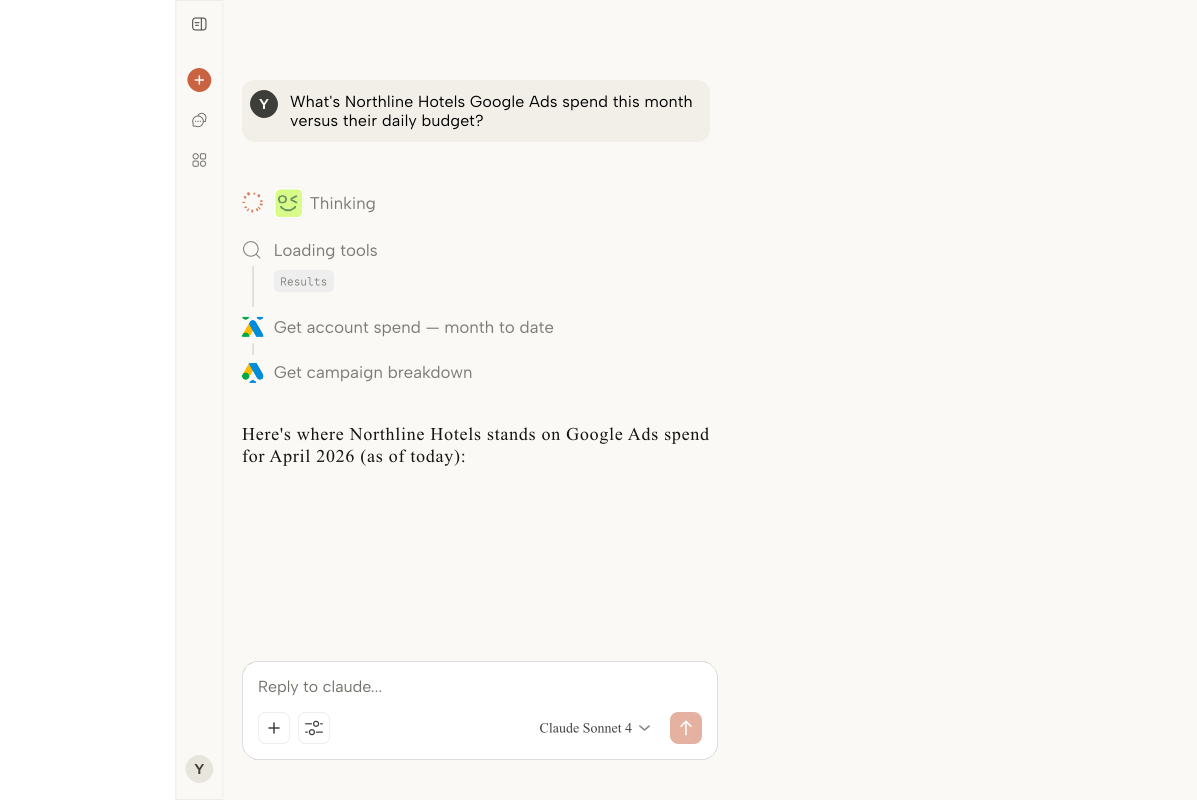
'Which accounts spent more than 20 percent above pace yesterday?' runs against every connected Google Ads account in one response. No account switching.

Spot QS drops the same day

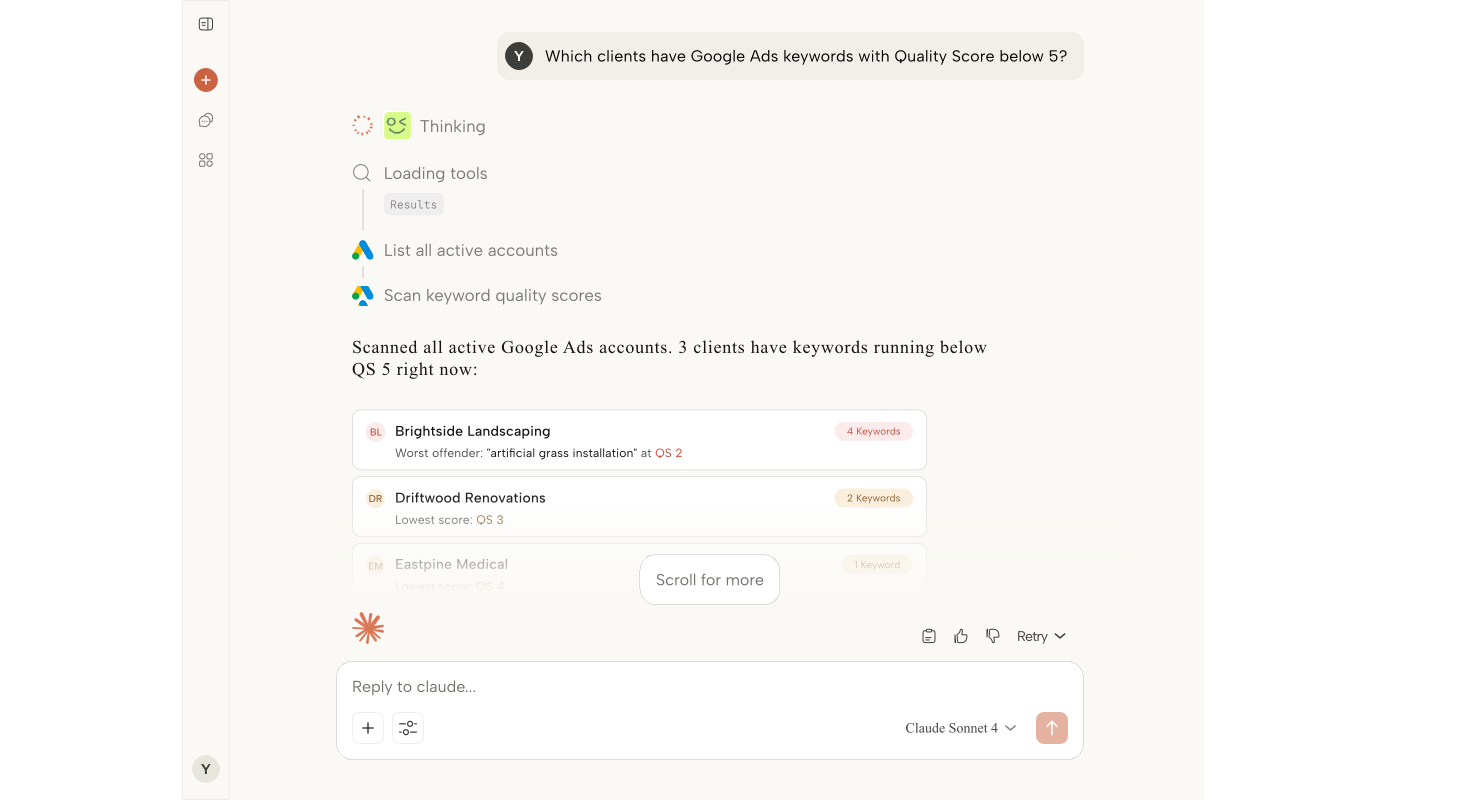
Ask for any Quality Score changes over the last 7 days across all clients. ARLO surfaces the keywords that moved so you can diagnose before ad rank suffers.

Cross-account campaign comparisons

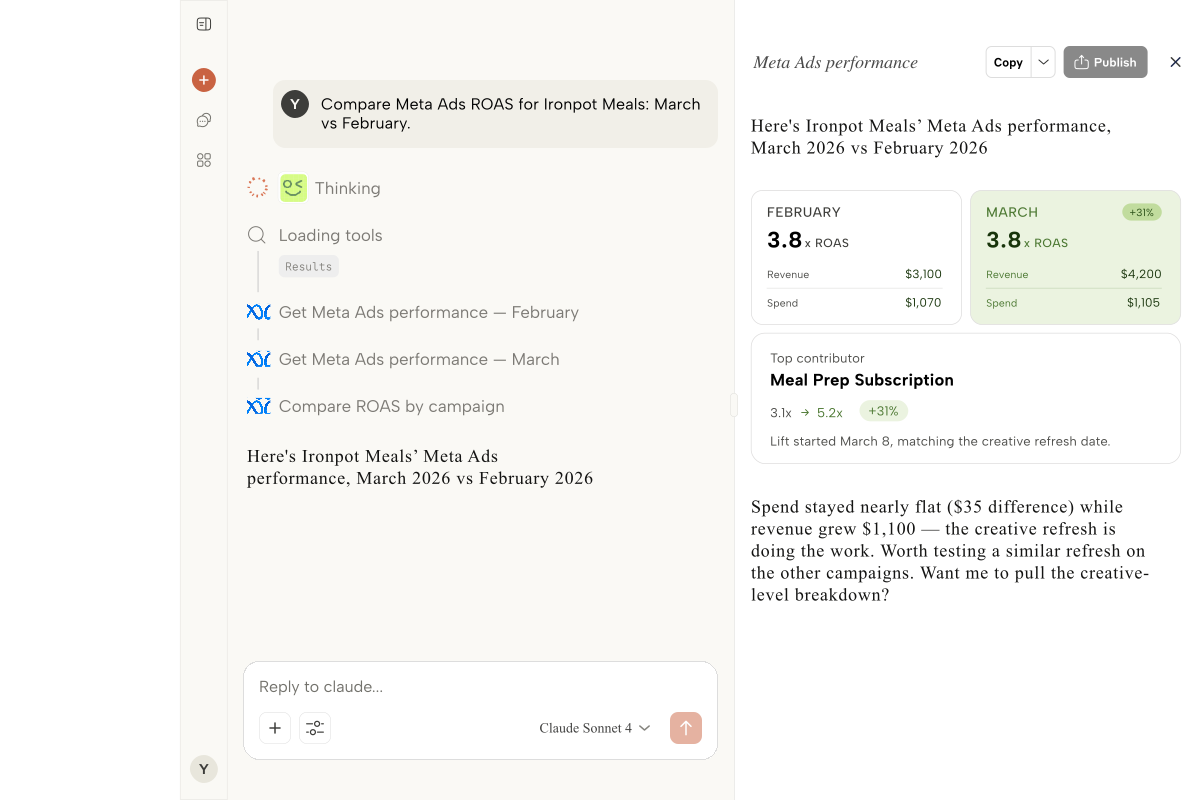
Compare CPA across similar campaigns in similar verticals in seconds. Stop rebuilding the same pivot table every Monday.

Search terms you actually act on

'Show me the 20 highest-spend search terms with zero conversions across all clients.' The negative keyword list writes itself.

Process

How we build it

01

Sign up in 60 seconds

Create your ARLO account with your agency email. Start the MCC connection right from onboarding.

02

Connect Google

OAuth with the Google account that owns your MCC and GA4 access. ARLO picks up every linked client automatically.

03

Add your clients

Confirm which Google Ads accounts and GA4 properties belong to which client. ARLO groups them so prompts stay scoped correctly.

04

Copy your MCP URL

ARLO gives you a Claude Desktop MCP URL. Paste it into your settings and connect.

05

Ask anything

'Which clients are pacing to miss budget this month?' Ask and answer in one sentence instead of 30 tabs.

Best Fit

Who this is for

Performance agencies running 20+ paid accountsPPC boutiques managing MCCsFull-service agencies with a dedicated paid leadFreelance Google Ads consultantsIn-house paid teams at multi-brand companies

FAQ

Common questions

Yes. Connect the Google account that has MCC access and every linked client account is available. ARLO respects the existing permissions on your MCC, nothing gets exposed that you cannot already see.

Today ARLO is read-focused: it pulls data and answers questions. Bulk editing and campaign changes are on the roadmap but are opt-in, since most agencies want a clear line between analysis and execution.

ARLO surfaces every PMax metric the API exposes, including asset group performance and search category insights. You get the same visibility Google gives the Ads UI, just queryable in plain language.

Different job. Optmyzr is built around recommendations and bulk actions. ARLO is built around asking live questions across all your accounts at once. Most PPC teams we talk to use both.