







For Agency Owners

See every client, every channel, every trend line.

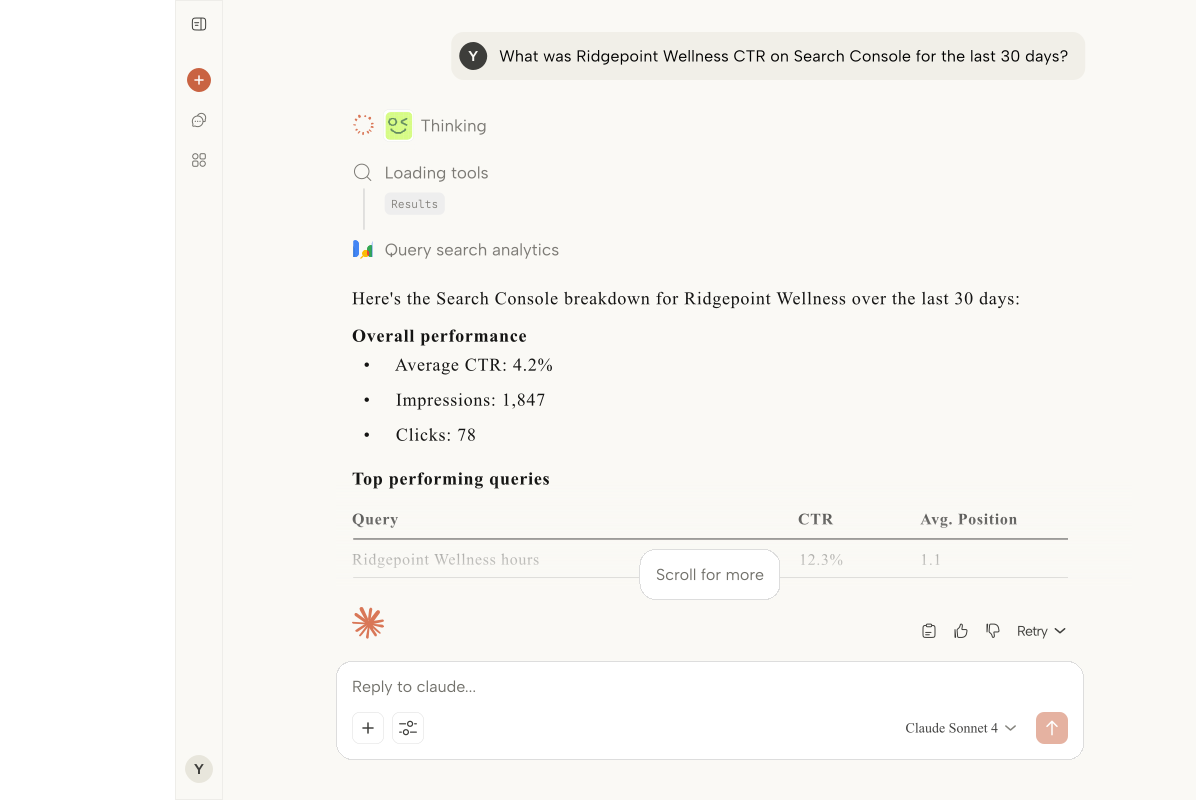
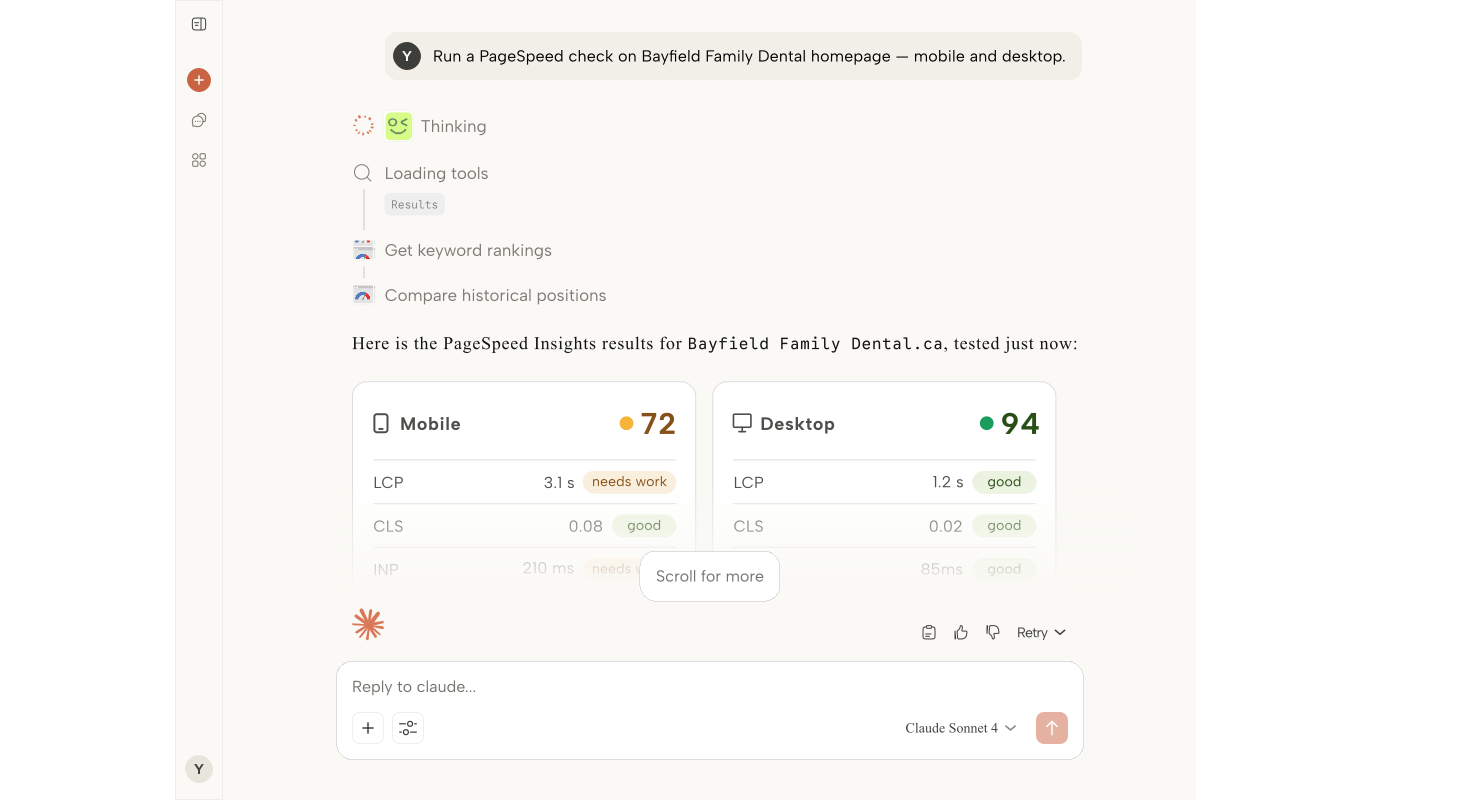
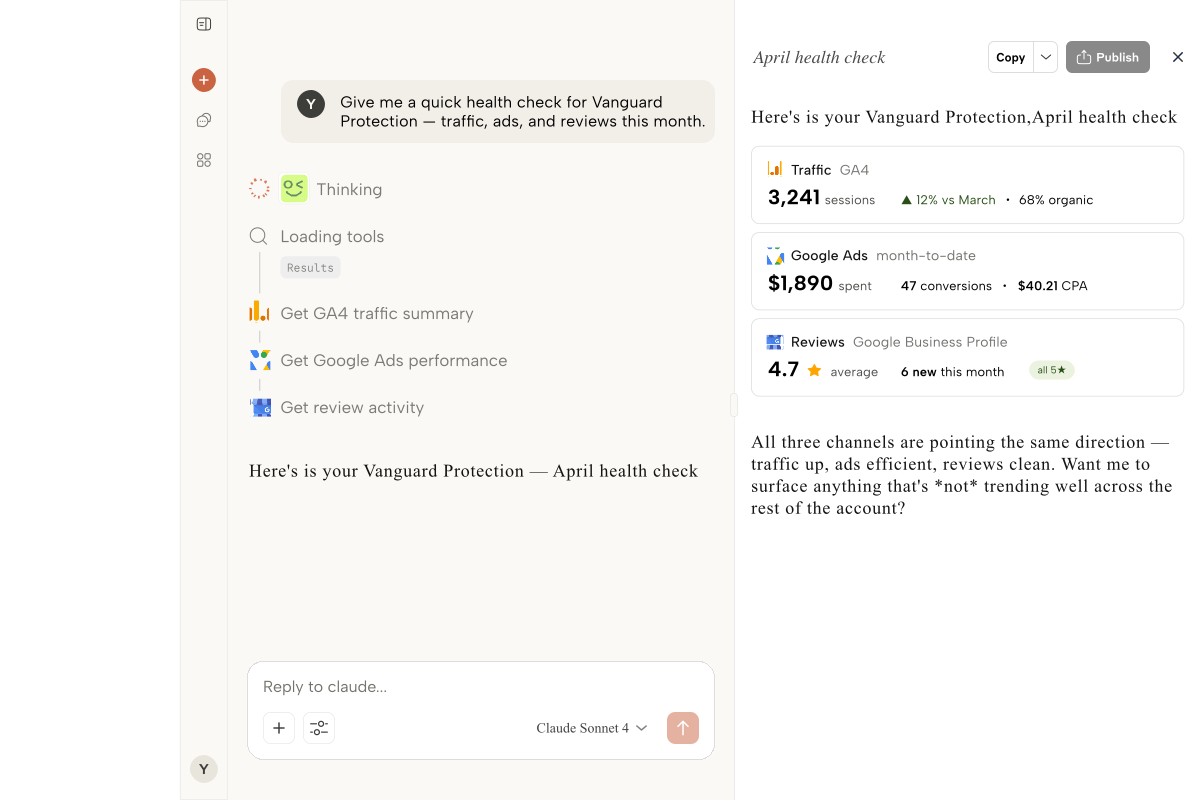
ARLO gives agency owners a single window across GA4, Google Ads, Search Console, and Business Profile, plus an audit log that shows who asked what about which client.

Replaces:Monthly health-check spreadsheetsEnd-of-quarter churn surprisesGuessing at team utilizationCross-client comparisons pieced together from decksManual audits of who did what on which account

The Problem

Most churn is visible six weeks before it happens.

The signals are in the data. The problem is nobody in the agency has time to pull them all together. ARLO fixes that.

Churn that surprises you

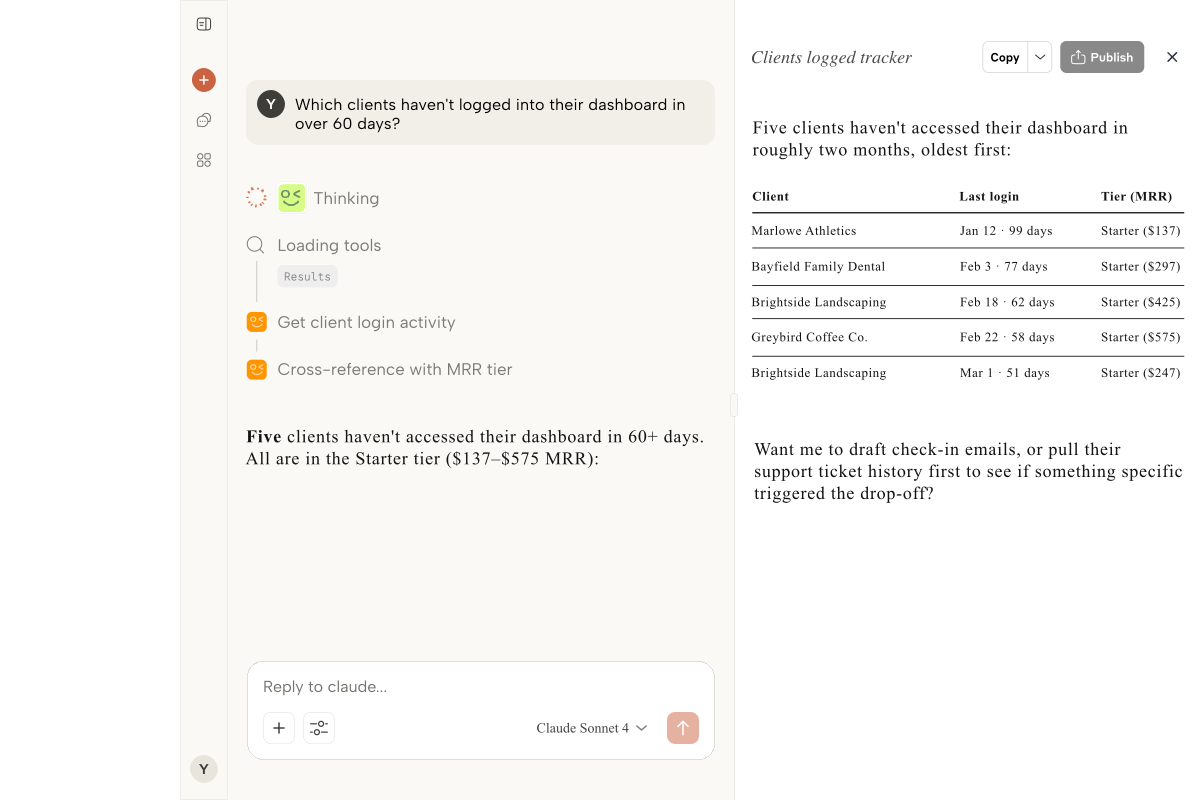
A client leaves and you realize their performance had been sliding for two months. The signals were in the data, but nobody had a single view to catch it.

Team billability you guess at

You know your top specialist is overloaded. You don't know which three clients are eating 60 percent of their week, or whether those clients are your biggest accounts.

ROI on new hires that takes a year

You bring on a senior PPC lead. Six months later you still can't point to which accounts they have measurably improved. The data lives in 20 places.

Cross-client comparisons that never happen

Which of your e-commerce clients is outperforming the rest on organic? You genuinely don't know, because pulling it would take a week of manual work.

The Solution

What you get with a custom build

Churn signals, surfaced early

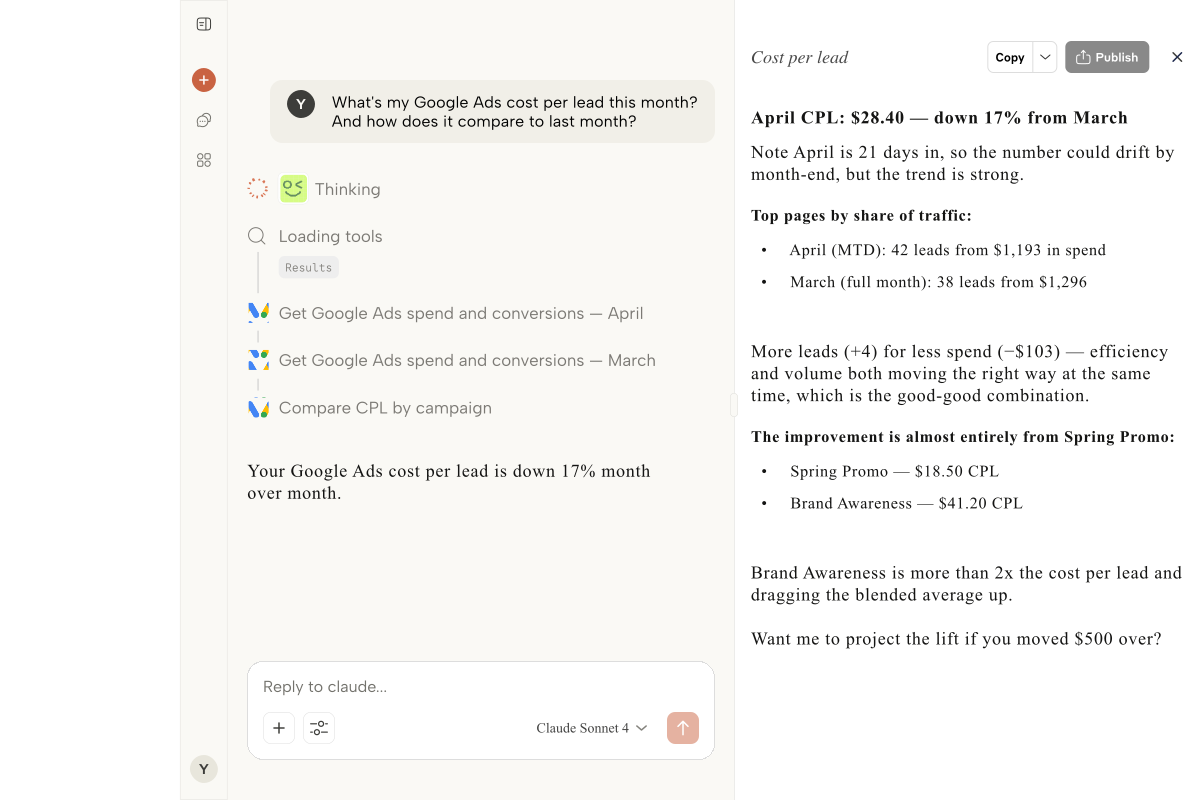
'Which clients are down more than 10 percent on revenue quarter over quarter?' runs across every connected account. You see the risk list before it becomes a resignation email.

Team metrics you can act on

ARLO's audit log shows which team members are asking questions about which clients. Pair that with actual account performance and you get a real view of where effort is going.

Compare clients head to head

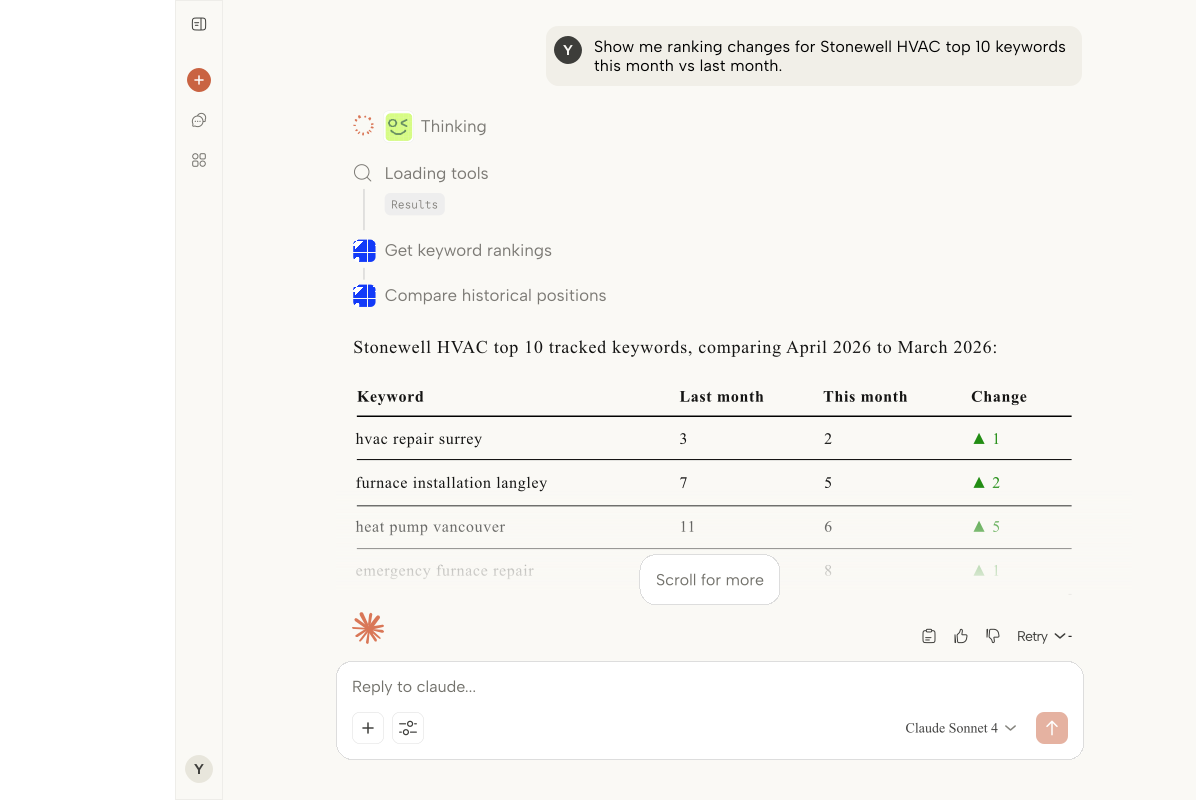
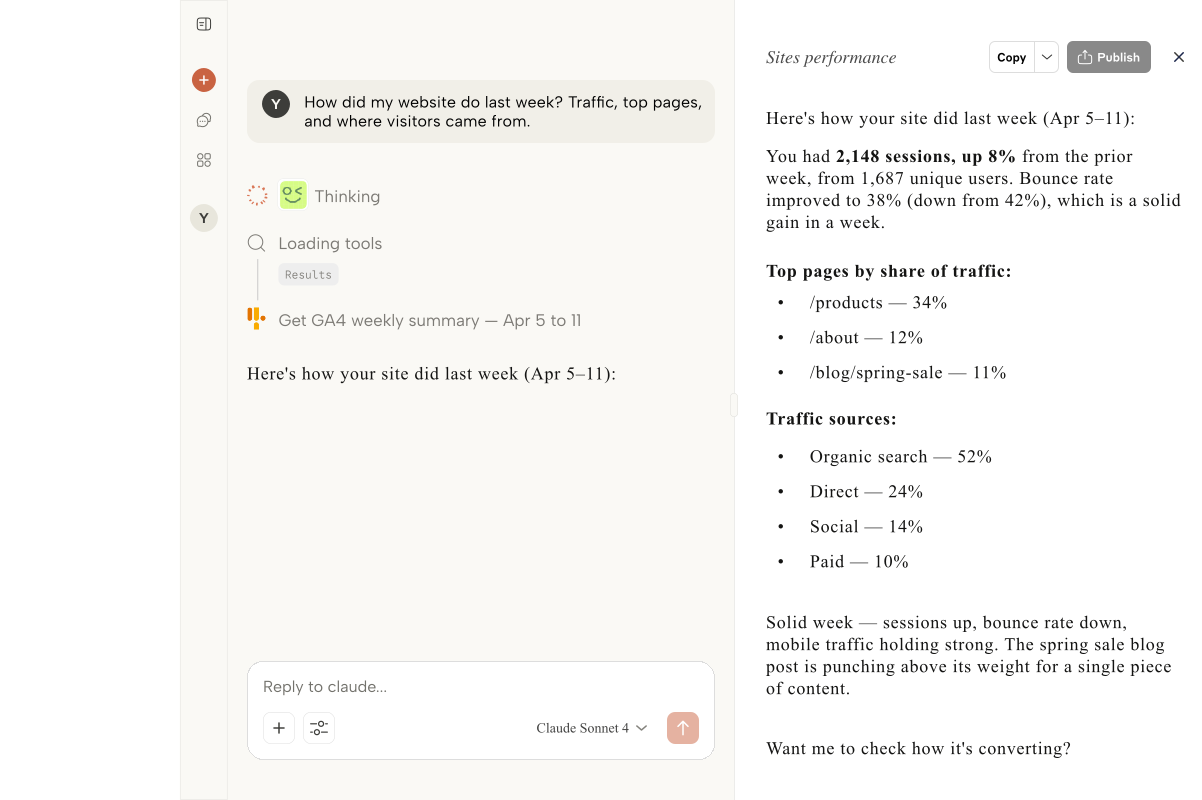
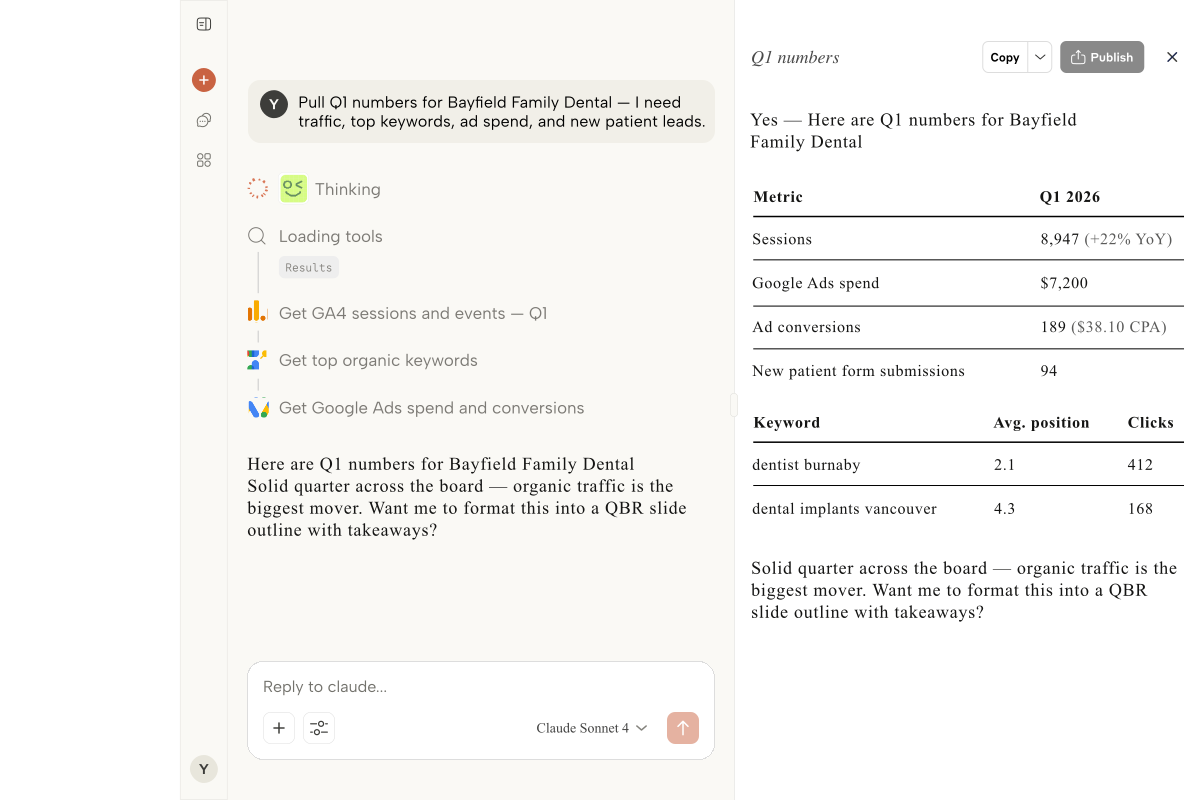
'Show me my top five e-commerce clients by organic revenue growth this quarter.' Cross-client benchmarking in one sentence, not one week.

Audit log for client confidence

When a client asks what changed on their account, you can show them. Every ARLO query is logged by user, client, and timestamp. Useful for retros, audits, and peace of mind.

Process

How we build it

01

Sign up in 60 seconds

Create your agency workspace in ARLO. Invite your team as you go, owner controls are built in from day one.

02

Connect Google

OAuth the primary Google account that holds your MCC and GA4 access. ARLO pulls in every client account linked to it.

03

Add your clients

Group properties by client so every prompt maps to a real book-of-business entry. Set team permissions per client if needed.

04

Copy your MCP URL

Share the ARLO MCP URL with your team. Everyone connects Claude Desktop once and you have agency-wide reach.

05

Ask anything

Start with the questions you wish you had answers to: churn risk, team loading, margin outliers. ARLO answers in plain language.

Best Fit

Who this is for

Independent agencies with 10-100 team membersHolding-co portfolio agenciesManaging partners at digital boutiquesFounder-led performance shopsFractional CMOs running agency-like teams

FAQ

Common questions

Every team member signs in with their own account under your agency workspace. You control who can see which clients, and the audit log shows you every query by user, client, and timestamp.

Yes. Pair ARLO's performance data with the audit log to see which accounts a new hire is working on and whether those accounts are improving. It will not replace a proper billability tool, but it gives you the outcomes side of the equation.

ARLO only reads the Google accounts you connect, never stores client data outside your workspace, and keeps a full audit log for you to review. Client data never leaves your permission scope.

ARLO is priced per seat with agency plans for 10+ users. We keep pricing simple on purpose: no per-client fees, no per-query fees, no surprise bills when usage spikes during QBR season.